Wireless Soldering Iron Adjustable Temperature Ceramic Core Heating Welding Tool
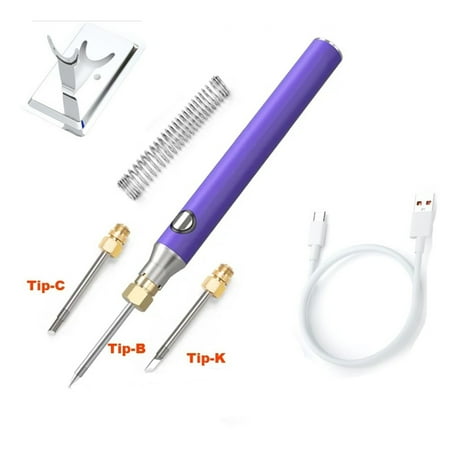
Description: 1. Use the charging cable to charge. 2. Install the soldering iron tip (do not fully tighten it) use green after power on to check if the soldering iron tip starts to heat up. 3. The tip of the soldering iron is heated normally it can be switched to blue and it can start to work after a period of time. Press the button to switch between different gears and power off. 4. After standing for 10 minutes the soldering iron will enter sleep mode. Press the power button again to start working again. 5. Do not directly touch the heating tip with your hands. 6. Press the button to switch the temperature mode. They are green (low temperature around 330-370°C) blue (370-400°C). Specification: Model : wireless soldering iron Power: 8W Adjust temperature range:330-400℃ Tin melting time:
Customers also viewed