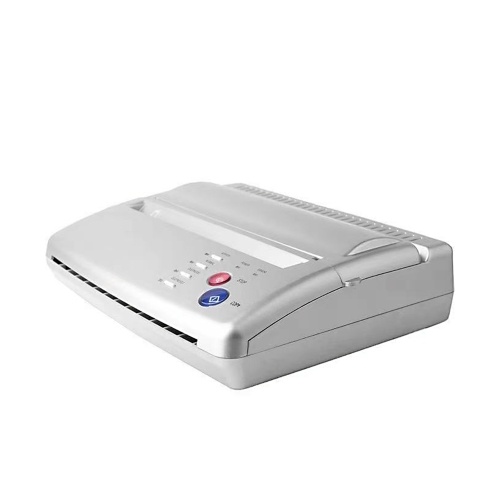
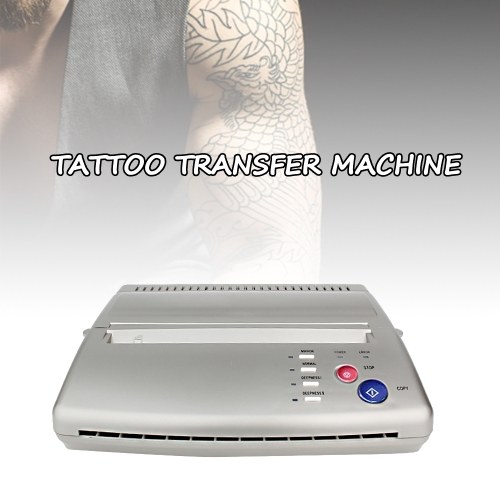
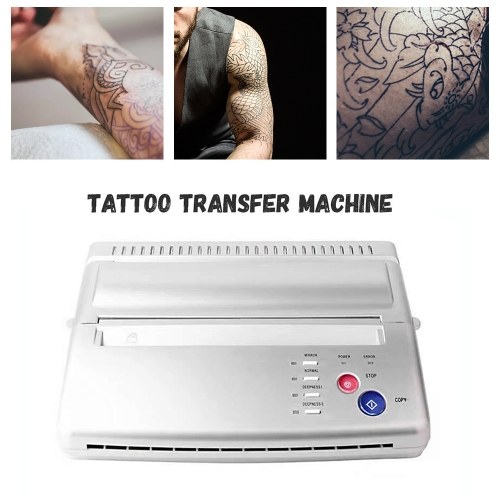
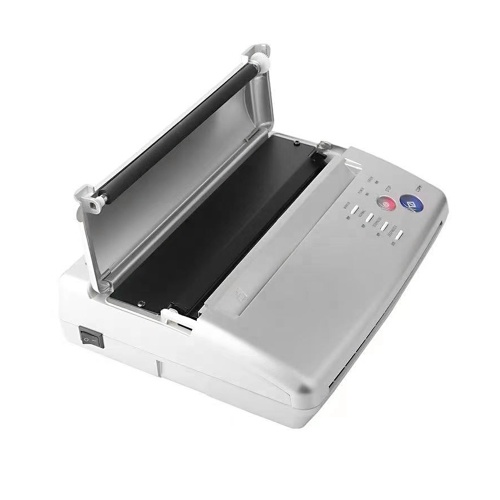
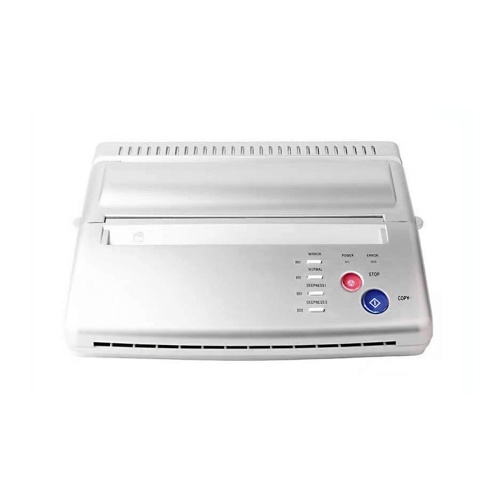
Tattoo Stencil Transfer Machine Printer Drawing Thermal Stencil Maker Copier Line Drawing Printing Copier Printing Line Art Tattoo Transfer Machine for Tattoo Transfer Paper Supply




TOMTOP
sku: E9443US-2
ACCORDING TO OUR RECORDS THIS PRODUCT IS NOT AVAILABLE NOW
€ 145.99
Shipping from: China
Description
Features:
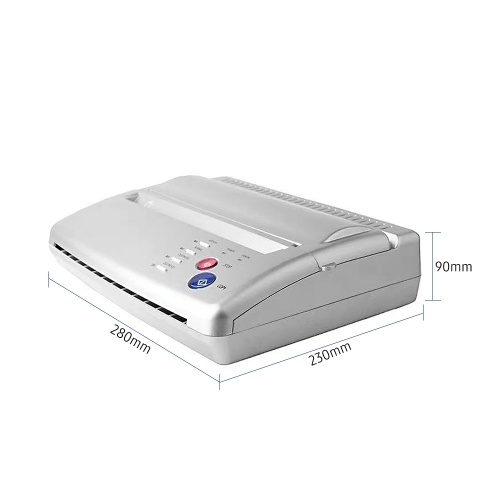
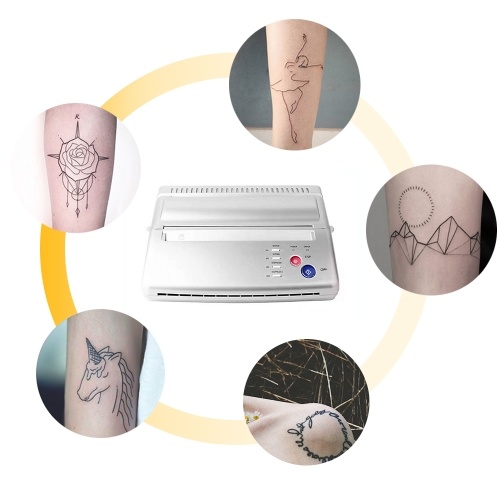
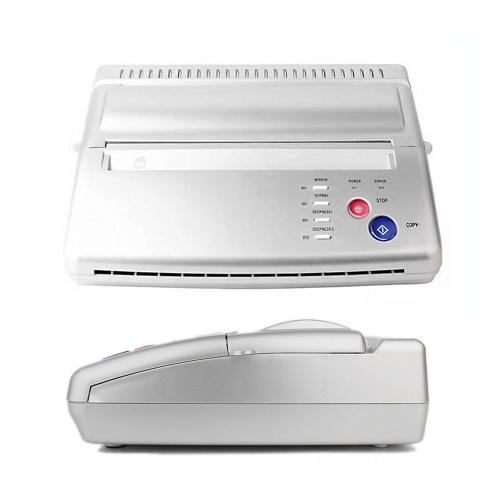
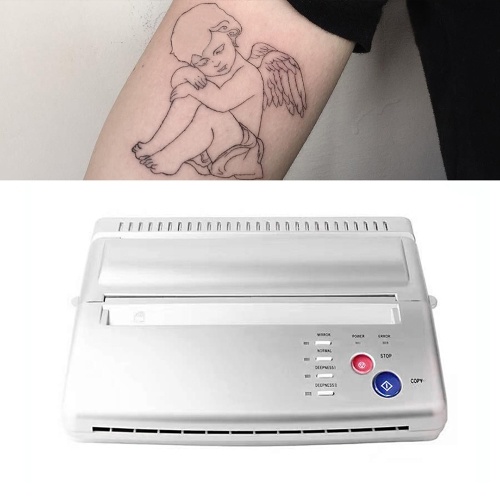
Professional Tattoo Copier --- Allow you copy the designs onto stencil paper quickly and efficiently just in a few easy steps. Copy your design to skin perfectly without error. Great tattooing copier, work for the regular paper design.
Easy and Fast Transfer --- Just 1 minutes can provide your nice icon and pic, be quickly give you professional and vivid tattoo that you want. This machine will give you more fast and save way for nice tattoo.
More Affordable --- No replacement parts and No ink needed, life basis tattoo stencil copier has no bulbs, cylinders, or heating elements, more economical than other traditional tattoo machines.
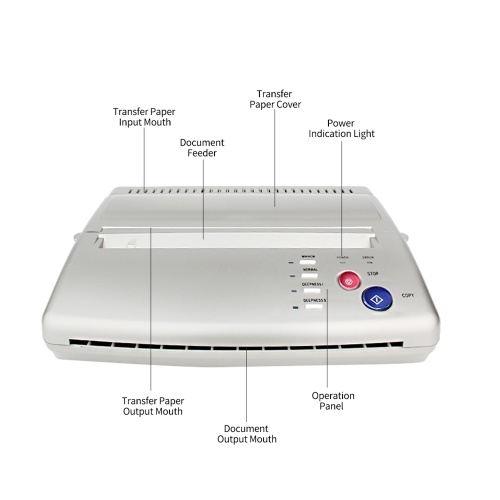
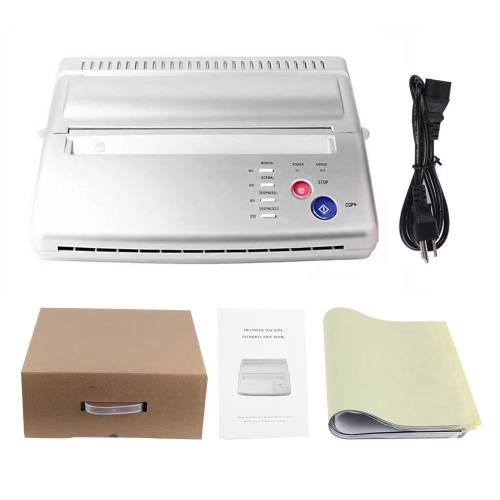
Multiple Settings --- There are several buttons/ keys for different functions, you can choose the copy methods, deepness etc, which is very convenient and functional. Two light indicators, power light shows when the machine starts working, error light shows something wrong on the machine, such as the TPH is overheating.
Nice for Tattoo Artists --- This copier is created specifically for the tattoo artist. Lightweight, simple, reliable copier that will make your life easier.
How to use the tattoo transfer machine?
1. Select your favorite pattern and type it on a blank paper (A4 paper size).
2. Turn the machine on.
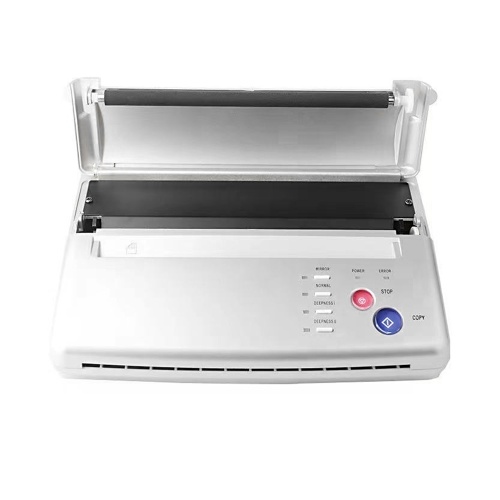
3. Open the transfer paper cover.
4. Put the yellow side of the stencil sheets into the transfer paper input mouth.
5. Put the printed pattern into the document feeder.
6. Set up the copy mode.
7. Press the copy button.
Frequently Question Answers:
Q1: How to solve machine prints random line or black lines problem?
A: Please Restore Default Setting Clean Roller Regularly.
Steps to Restore Default Setting:
1. press the stop button for 3 seconds, then you will hear a beep
2. press the mirror button
3. press the copy button
Wipe out the inks on the roller regularly to avoid printing black line.
Q2: How to solve paper jam up problem?
A: If the machine is overheating, the paper will jam up, please wait for the machine to cool down, and then you can use it again.
Professional Tattoo Copier --- Allow you copy the designs onto stencil paper quickly and efficiently just in a few easy steps. Copy your design to skin perfectly without error. Great tattooing copier, work for the regular paper design.
Easy and Fast Transfer --- Just 1 minutes can provide your nice icon and pic, be quickly give you professional and vivid tattoo that you want. This machine will give you more fast and save way for nice tattoo.
More Affordable --- No replacement parts and No ink needed, life basis tattoo stencil copier has no bulbs, cylinders, or heating elements, more economical than other traditional tattoo machines.
Multiple Settings --- There are several buttons/ keys for different functions, you can choose the copy methods, deepness etc, which is very convenient and functional. Two light indicators, power light shows when the machine starts working, error light shows something wrong on the machine, such as the TPH is overheating.
Nice for Tattoo Artists --- This copier is created specifically for the tattoo artist. Lightweight, simple, reliable copier that will make your life easier.
How to use the tattoo transfer machine?
1. Select your favorite pattern and type it on a blank paper (A4 paper size).
2. Turn the machine on.
3. Open the transfer paper cover.
4. Put the yellow side of the stencil sheets into the transfer paper input mouth.
5. Put the printed pattern into the document feeder.
6. Set up the copy mode.
7. Press the copy button.
Frequently Question Answers:
Q1: How to solve machine prints random line or black lines problem?
A: Please Restore Default Setting Clean Roller Regularly.
Steps to Restore Default Setting:
1. press the stop button for 3 seconds, then you will hear a beep
2. press the mirror button
3. press the copy button
Wipe out the inks on the roller regularly to avoid printing black line.
Q2: How to solve paper jam up problem?
A: If the machine is overheating, the paper will jam up, please wait for the machine to cool down, and then you can use it again.
Technical Details
| activityPrice: | 125.99 |
| activityTimeEnd: | 2022-11-03 11:16:57 |
| activityTimeStart: | 2022-09-14 11:16:55 |
| categoryName: | Test Instruments & Tools > Power Tools > Other |
| OriginalPrice: | 238.99 |
| product_availability: | in stock |
| Warehouse: | CN |
Price history chart & currency exchange rate
Customers also viewed

€ 4.00
Серьги из сосновых шишек, серьги-орехи, серьги-растения, милые серьги-подвески, серьги-кольца с подвесками, серьги-кольца 2 см
joom.ru

€ 7.34
Рукава для похудения, формирователь рук, повязка для пота в сауне, повязка для пота, триммеры для рук, повязка на руку
joom.ru/sumka-marella-selce-65161525-003.jpg "Сумка Marella Selce 65161525 003, Чорний")

€ 11.01
One Pair of Knee Protection Booster Joint Knee Pad Support for Climbing, Reduces Soreness
aliexpress.com
€ 0.96
Aliauto Personality Creative Car Sticker Kitten Shadow Vinyl Waterproof Sunscreen Reflective Decal Black/Silver ,10cm*13cm
aliexpress.com
€ 18.12
Лидер продаж, прогулочная обувь для мальчиков, детская дизайнерская обувь для подростков, удобная дизайнерская обувь для мальчиков, сетчат...
aliexpress.ru


€ 28.99
2x Filtro redondo /filtro laminado para aspiradoras, robot aspiradora, multiusos Rowenta RU 520, RU03 - Vhbw
manomano.es


€ 3.05
Медицинская шапочка для домашних животных, медицинская хирургическая шапочка с принтом, эластичная Шапочка-обхват для больницы, скрабы для...
aliexpress.ru