Squarespace Website Guide Template


Description
Squarespace Website Help Guide Indesign Canva Template This is for your Squarespace Website Designers! Are you new to the website game, thinking about getting in to site design, or want to offer your site clients a more efficient offboarding experience? This editable Indesign template is for you. Often, the hardest part to site design is the 'after', the part where you wrap up the project the part you are amazing at! and then your client wants some training or learn more about their new site. The problem is you don't see yourself as an educator, or struggle with the offboarding process of teaching. Providing a guide such as this is the first step in being able to empower your clients to edit and maintain their site after you part ways. This guide covers the basics for your clients to update, edit and maintain their site including how to access their site login , updating their billing, adding a contributor, general troubleshooting, adding a page, formatting text, blogging, adding social media, adding/changing images, editing their announcement bar, uploading links and files, basic SEO directions, checking their analytics, all things commerce, updating testimonials if using the blog format/summary carousel , updating banner videos, learning more or working with you for more edits and finally, directing clients to Squarespace support. This guide provides a little blurb and then hyperlinks directly to the SS help hub which has the most up to date info for your clients and means you don't need to reinvent the wheel yourself! . Simply customise document with your own branding, copy and links, export as an 'Interactive PDF' and send to your client. Use alone for basic site offboarding or in tandem with a scheduled live or recorded tutorial call to walk your client through the basics of their new site. BONUS: All text is real text, there is no Lorem Ipsum or dummy text used so you are most welcome to keep the copywriting or adapt with your own! NOTE: The Squarespace Website Help Guide is as the title suggests, for Squarespace and does have links directly to the SS help hub. However there is nothing to stop you changing the wording and links but keeping the format and changing to Wordpress/Wix/Shopify etc. NOTE: The copy in this Help Guide is focussed on guiding your clients with tutorials and information in order to help them feel confident maintaining, editing and updating their new, finalised website that has been set up and designed by a professional designer. This guide is not focussed on teaching your clients how to DIY their site design or how to design a website in general. It is not aimed at providing any information on design decisions like page layouts, typography choices or design elements that's what you, the designer are there for! . Please note: this product can only be used with Adobe Indesign and Canva INCLUDES: - 1 x Indesign Canva template 15 pages - Actual text - Screenshots from a real SS website DOES NOT INCLUDE: - Stock images. Images are for context only and are not included. Please check out Moyo Studio for fabulous stock imagery or Unsplash for free stock options - Lorem Ipsum. This template includes all copy with prompts to add your business name. Simply keep the copy or replace with your own words - Full on help guide for Indesign editing. This is not a training exercise, you will need to know how to edit an Indesign document or else learn at your own pace using Adobe tutorials/Youtube. PAGES: - Cover - Contents - Accessing and Managing Your Site - Content, Blogging and Social Media - Commerce - How Do I Edit Text - Imagery - How to Add Testimonials - How To Change/Edit Videos - Support - resources, webinars, videos, forums - Squarespace 24/7 Support - Thank You Page FAQS: What software do I need to use it? - Adobe Indesign or Canva account Do the templates include the images or mockups? - No, all use of imagery and mockups are for context only. Fonts - This template uses only free fonts and links are included inside the download. How do I use it? - Open the template and replace the content with your own. Save it as a pdf and email it to the client. These templates include original text too so you have a guide on what to write where! What can I customise? - Everything! You can move, edit or change all the elements in the template. You can add, remove or duplicate pages as well as change the order. All colours and fonts are completely editable so you can swap them out for your own branded ones.
Technical Details
| _GoogleCategoryID: | 8022 |
Price history chart & currency exchange rate
Customers also viewed


$563.30
for BMW ICOM Next Interface OBD2 Diagnostic Tool Scanner V2025.03 SSD HDD D4.50 in CF31 i5 Laptop Toughbook Full Set
aliexpress.com


$87.20
new casablanca designer shirt silk casual green racing printed sicilian sailboat coast hawaii beach long sleeve shirt, White;black
dhgate.com


$16.17
Automatic Fish Feeder, 360 Degree Rotatable Moisture-Proof Electric Auto Fish Food Feeder Timer Dispenser For Aquarium
aliexpress.com
$48.78
Trump Nordic Toilet Brush Clean Wall Mounted Creative Hanging Toilet Brush Holder Long Fixture Escobilla Wc Bathroom Products 50
aliexpress.com
$32.18
sandals clear heels black platform fashion womens shoes 2021 suit female beige buckle strap all-match med espadrilles luxury nud
dhgate.com

$16.96
stud 2021 fashion charm 925 sterling silver mobius chic style simple smooth earrings hoop luxury fine jewelry for women gift, Golden;silver
dhgate.com
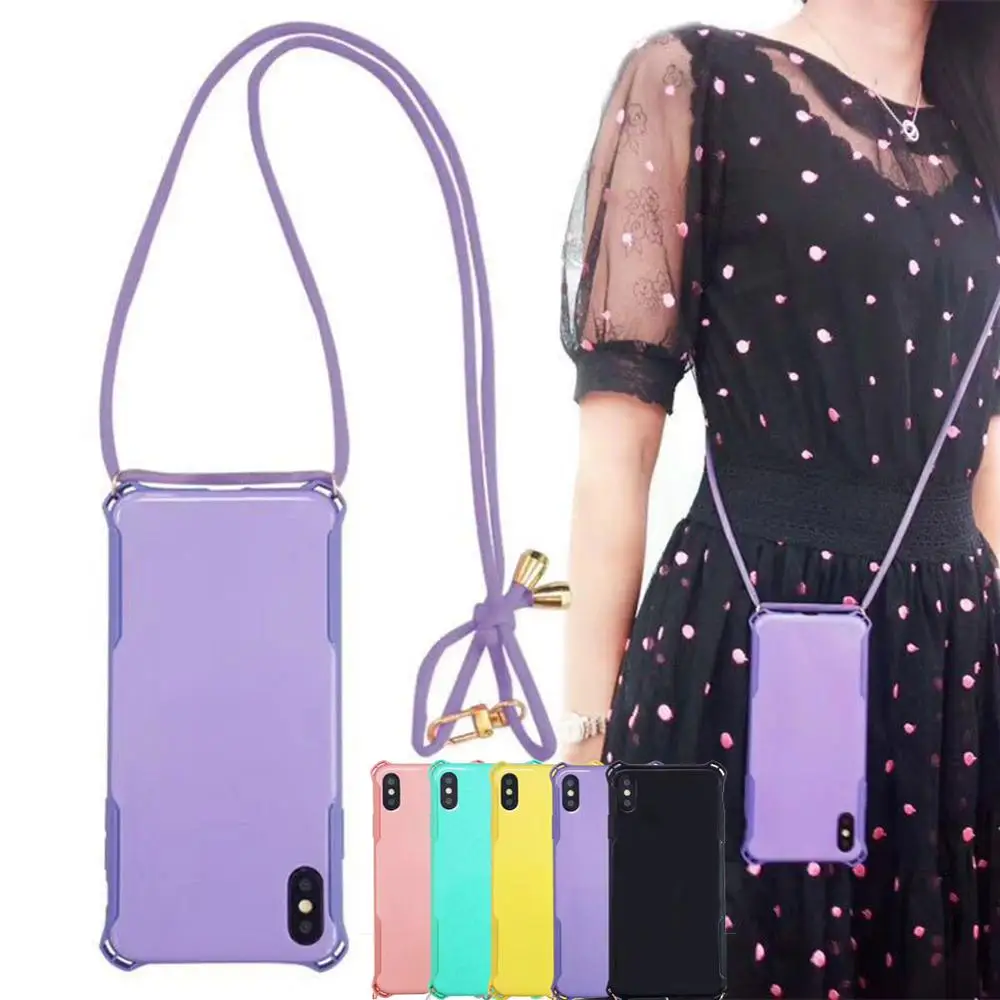
$2.28
Four-Corner Anti-fall Phone Case with Lanyard Neck Shoulder Strap Rope Phone Case Protective Cover for iphone X/XS/XS MAX/XR
aliexpress.com