Snowy Christmas Action


Описание
A Photoshop action that will place realistic snow fx on objects of any kind, and will complete as a nice Christmas Wish card with background Trees and Stars. Of course fully editable - Easy to use / Organized Just name your object as "object" all in lowercase and in English, hit play and the action will run until a point where, you will have to locate the "Xmas Tree.png" place it to a spot you like, and then the action will be completed. - Easily customizable Change all layers, colors, add or remove snow layers, 2 types of falling snow, add or remove background patterns and gradients. - Works with any objects Layers, Text, Smart Objects No matter if you have a text layers, a smart object, or a rasterized layer. - Editable content and layers styles All layers styles, patterns and colors are easily editable. Text remains editable too. - Uses for: Text, Logo, Logos, Product images, Advertisements, Illustrations, Even on real images Just select the part you want to add How to: - Please see the video tutorial for more help pFz8fFAqsf0 - Before you begin creating: Please see the "HOW TO BEGIN AND INSTALL.txt" Important - You should keep in mind that your Photoshop file should contain only 2 layers: 1 Your main object that you want to add snow too named as "object", all in lowercase letters 2 And one Background named as "Background" If you don't have a layer named "Background" first letter in upper case and all other in lowercase, please create one - The canvas size should be nearly 2.000 or 3000 pixels width and height, and your object should be quite big, about 2/3 of the canvas - The Photoshop file should be in "RGB" Mode and "8 Bits" Mode Please go to "ImageMode" to find these, although the action will automatically convert the file, but in some cases the action might not work if you don't have these settings - If the action stops with any kind of errors, please check all steps above, and make a new file from start to give it another try For any help please leave a message General info: - The action will create different results if you have small objects and/or canvas size - If you have a very bad result you should keep in mind the following: 1 Your object should be quite large and have crisp edges, blurry objects might not produce good results. 2 Your canvas size, and/or your "object" is very small in dimensions. - If you have a small logo or object, it is advisable to scale it up first to fit in a large canvas area about 2.000 pixels , play the action, and scale it down later on with all its effects It is also advisable before scaling down, to select all of your layers you want to scale, and either right click and "Convert to Smart Object" or merge them in one layer - Photoshop versions older than CS 6, will not work Please see the video tutorial for more help pFz8fFAqsf0 Hope you enjoy using this action!Happy snowy and creative... creations! Merry Christmas!f
Характеристики
| _GoogleCategoryID: | 5032 |
График изменения цены & курс обмена валют
Пользователи также просматривали


$115.00
Area alloy CNC front + rear wheel hub carrier mount for MCD RR5 XS-5 Rofun F5 4pcs
aliexpress.com
$10.99
Sunflower Shower Curtain for Bathroom Fabric Waterproof Bath Shower Curtain for Home Decoration 180x180
aliexpress.com
$8.91
Wallpaper Smoothing Tool Rubber Seam Roller Car Sound Deadening Roller Rubber Installation Tool Accessories
aliexpress.com
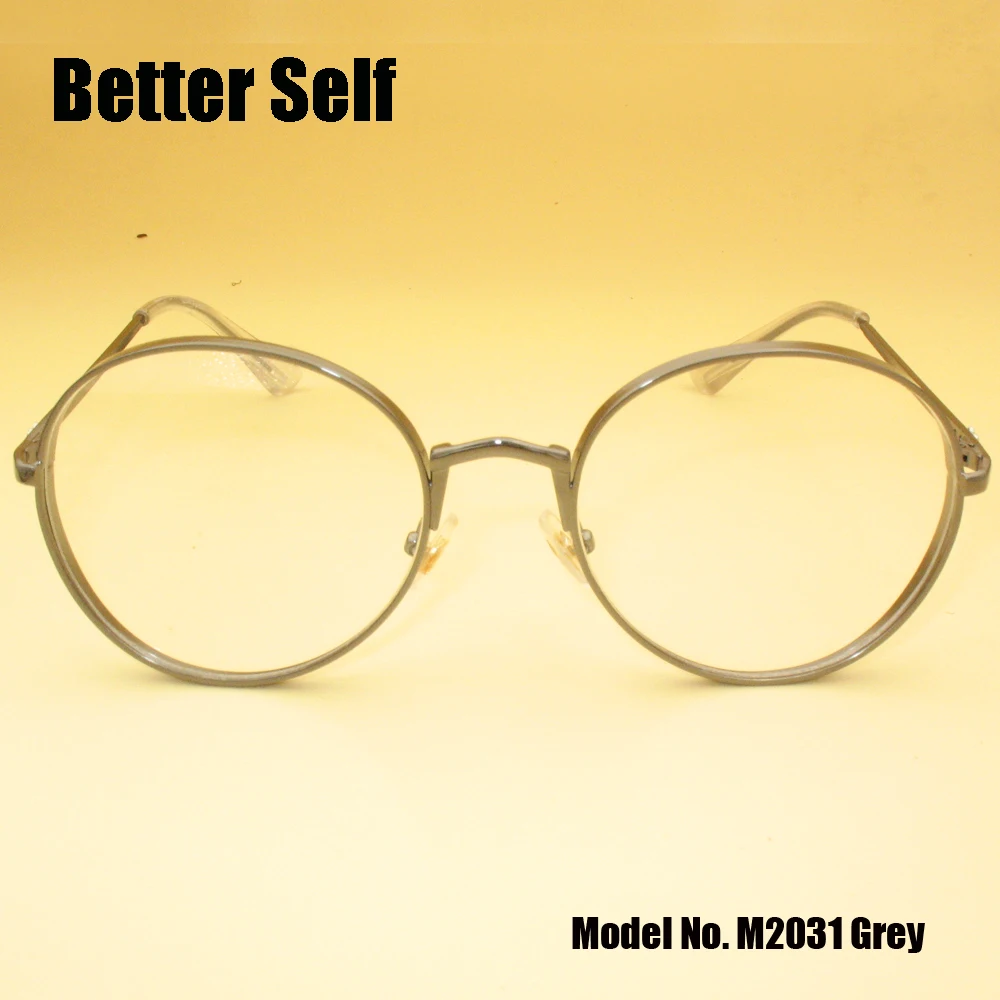
$14.99
Better Self M2031 Round Metal Frame Glasses Occhiali Da Vista Uomo Lunette De Vue Femme Myopia Eyeglass Frames Spectacle
aliexpress.com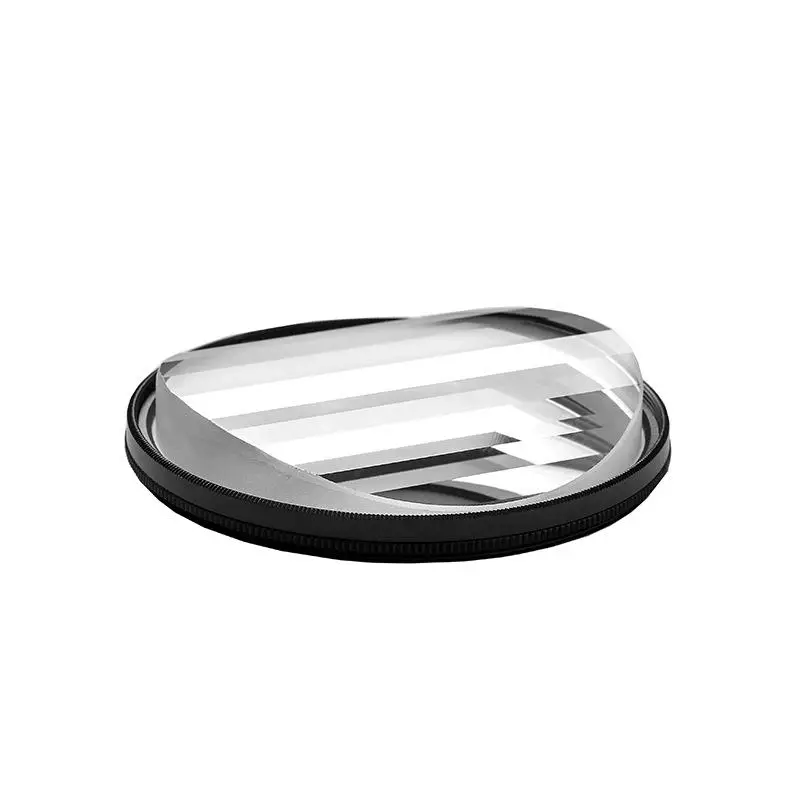
$43.92
Photographic Camera Special Effects 77Mm Linear Glass Prism Filter Slr Accessories
aliexpress.com
$2.28
1PCS Disposable Profession Plastic Body Piercing Plier Round Open Clamp Body Ear Lip Navel Nose Tongue Piercing Forcep Tool
aliexpress.com


$17.71
Мужские кожаные туфли из натуральной кожи на резинках черного цвета Matador 5630 40, Черный
prom.ua


$30.07
New Global Version S22 Ultra16GB 512GB Android 11.0 New 6.7Inch 512G Memery 6000mAh 64 MP Camera MTK6889+ Deca Core Cellphone
aliexpress.com
