Selective Area Coloured 21 Actions


Description
21 Selective Area Coloured Actions THINGS TO CHECK AND REMEMBER 1. Your photo is in RGB color mode 2. Your photo is in 8bit color mode 3. You are running the English version of Photoshop. 4. If you are experiencing errors, try resetting your Photoshop preferences. To do this, hold down Alt, Ctrl, and Shift keys Mac: Command, Option, Shift while starting up Photoshop. A dialog box will appear asking if you wish to delete the preferences/settings file. 5. Avoid using small resolution images. For the best results, use Photos between 1500px - 3000px high/wide. Chances of the action running into errors will increase the lower you go under 1000px high/wide. Photos with good color variation and contrast wil work best. 6. Avoid brushing onto mainly black areas on a photo. The effect is not very prominant when applied to mostly dark areas of a photo. 7. Remember that adjusting your photo resolution will determine how wide the parts spread out. If you run the action at 72DPI, then the parts will be quite close - if you run it at 300DPI, the parts will be spread much wider. Please refer to the video tutorial for a demonstration of this. 8. If you experience an 'Out of Memory' error during the action, go to the menu 'Edit -- Purge -- All' then press play again on the action to continue it. This can happen if you have insufficient memory installed on your computer. Photoshop can chew up lots of memory! HOW TO INSTALL THE ACTION 1. Inside Photoshop, go to the 'Window' menu and select 'Actions'. A window will now appear to the right hand side. 2. Inside the Actions window, click on the top right hand corner icon to reveal the drop down menu. From here select 'Load Actions...'. Select the action which came with the download. 3. The action will now appear in the actions panel. HOW TO USE THE ACTION 1. Open a photo to work with 2. Leave the photo layer locked and set as the 'Background'. To set your photo as the Background, select your photo layer and go to the menu 'Layer' -- 'New' -- 'Layer from Background..'. 3. Create a new layer above the background layer called 'brush'. MUST be all lowercase. 4. With the 'brush' layer selected, brush onto the areas of your photo that you want to apply the effect to. 5. play button found at the bottom of the action panel or play : .
Technical Details
| _GoogleCategoryID: | 5032 |
Price history chart & currency exchange rate
Customers also viewed


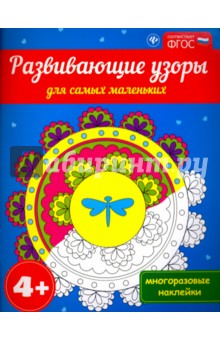

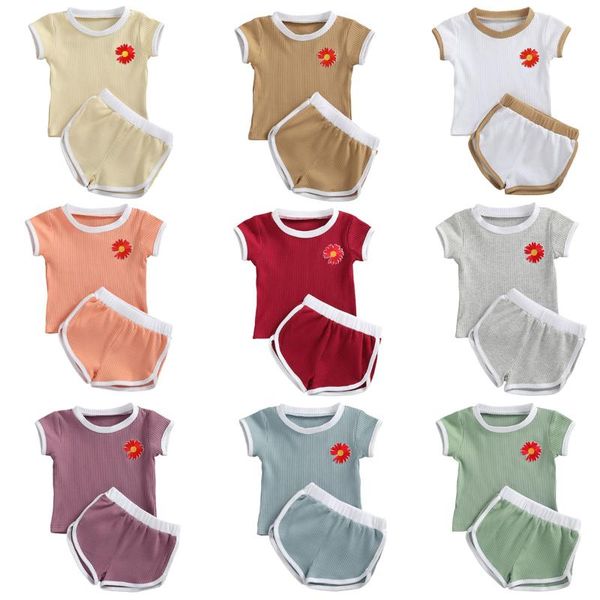
$23.02
0-24m newborn embroidery flower baby girl clothes short sleeve t-shirt + shorts 2pcs outfit sets, White
dhgate.com





$2.65
For Realme 10 Pro+ CaseMe 013 Multifunctional Horizontal Flip Leather Phone Case(Wine Red)
sunsky-online.com
$7.06
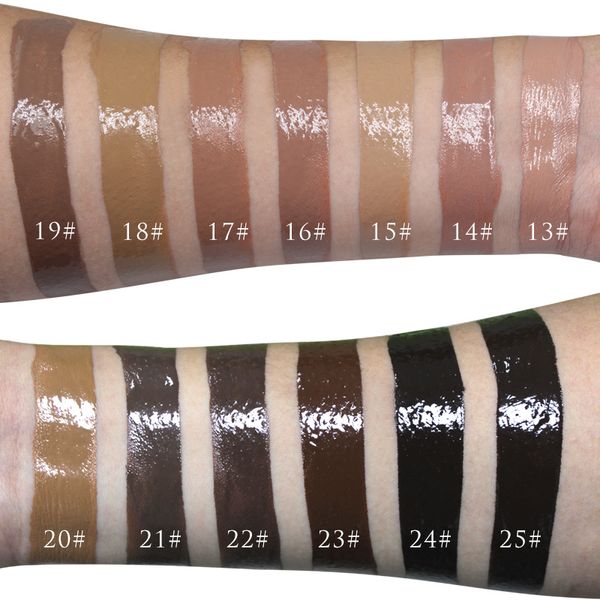
25 colors foundation primer liquid no logo vacuum bottle concealer moisturizing effect accept customized fresh stock makeup cosmetics face
dhgate.com
$12.58
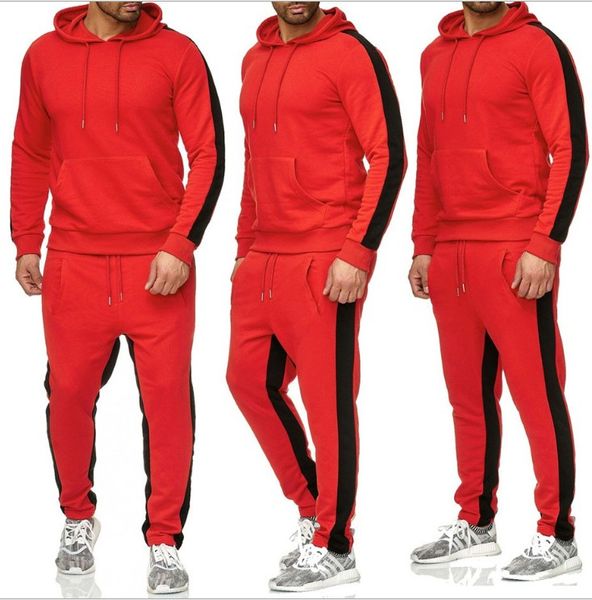
men's tracksuits 2022 new hoodie sweater jacket joggers sweatpants winter autumn hoodie hip hop man printing track suits, Gray
dhgate.com

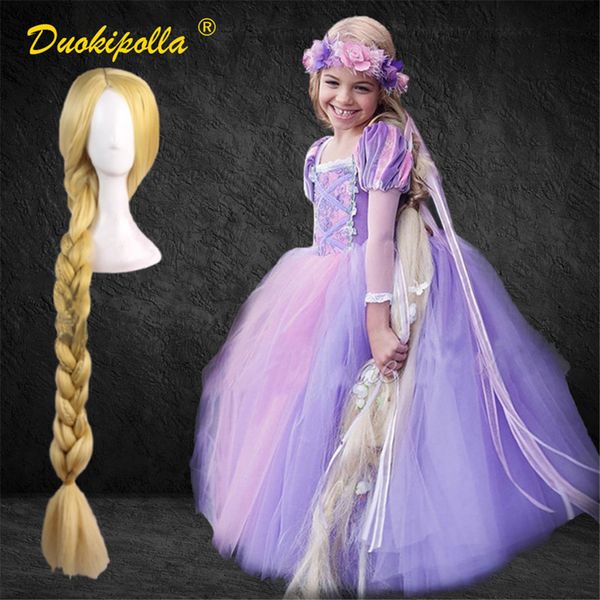
$82.89
halloween rapunzel dress up childrens party tangled coaplay costume fantasia infantil christmas costume for girls rapunzel hair, Red;yellow
dhgate.com

$2.04
Маленький игровой коврик для мыши, компьютерный коврик для мыши, компьютерный игровой коврик для мыши, коврик для ноутбука с рисунком аниме ...
aliexpress.ru

$10.50
Новинка 2021, купальник, сексуальный раздельный купальник с принтом, женский купальный костюм, купальник, женский купальник-бандо, купальник ...
aliexpress.ru