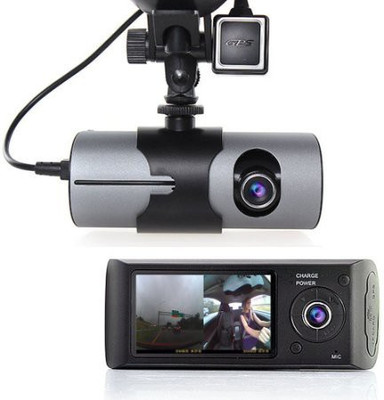
Say1st TWOO Vehicle Camera System
Say1st
sku: VCYECQBQSHWRUDXF
ACCORDING TO OUR RECORDS THIS PRODUCT IS NOT AVAILABLE NOW
$8,250.00
Shipping from: India
Description
Say1st TWOO is a DUAL Camera with 480p Resolution Each. It Supports GPS Logging to be Viewed on a GPS Display Capable Viewer Software. VIDEO - Loop Records on a MicroSD Card be it 8 16 or 32 GB Preferably Class 6 or Above. The MicroSD Slot is under the Flap on Side of the Unit.Unit have Four Buttons around the Display Side Camera, "Power On" Button towards Top Right [It also helps select Cam1 or Cam 2 or Both] and "OK" Button on Bottom Side Left. Field of View is Wide, Videos are made at 480p Resolution, During Night Time one can Additionally put Infrared LED inside Car for Cabin Side Visible Videos [ All Camera Require IR Lights to Record in Dark Room / Cabin - Putting IR on Camera Limits view thus Putting in Car is Suggested for all-round IR illuminated View]Press & Release Power On Button Couple of Seconds to Power On Unit, on 1st Run it will ask to Format the Memory Card. This is Important as Unit will Write a Video Player File [X2Player.exe] onto the Memory Card. This Software will Run Video from this Unit on to a PC which can then be exported.MOUNT - The Suction Cup Mount will Attach to the Detachable Holder on to the Unit - Best Place to Put up Dual Cam is on Front WindScreen - Closest to The Rear View Mirror. Dont worry if It takes a Bit of Moving around for you to Find a Spot to your Liking. Only Precaution is to make the Suction Cup bit Moist and Press Really Hard before Locking the Suction Cup Lever in Place. Unit is bit heavy and could loosen and fall if not pressed Securely in place.GPS - GPS Antenna is afixed with the Holding Clip towards "bottom" The Antenna stuck on the Top Most of WindScreen - It will take few minutes to start detecting the Data and Unit will Show "GPS" Indication on Bottom and "Speed" on Top of Display - To Detach GPS Antenna Press Holding Clip [Not Possible with Hand] and Pull Lightly. MENU - Press MENU Button for Menu Options - Most Options Except Date Time don't require to be changed, GSENSOR which locks file while sensing an impact would block Space on Memory Card, Say1st Recommend GSENSOR as Off. BATTERY - Although inbuilt Battery could run the Unit for an hour if Fully Charged but Continuous Use with Display ON does not Give Unit time to "ReCharge" itself at the Same time , Thus For Prolonged Use all Car Camera Units have to be Connected to the Car Charger at all Times. Combination of Simultaneous Use / Charge and Heat of the DashBoard will Shorten Battery Standby time very fast. All Li-Ion Batteries will fade when expose to Heat, do detach Unit if "Parked Car" is expected to heat up excessively due to day time sunlight. RETRIEVING DATA - MicroSD card is to be Removed and assessed thru a Card Reader on a Computer - It Will Show ONLY ONE FILE "X2Player.exe" which can be clicked to run or saved on PC and then RUN. The Program open a Software which can then Show Successive Videos in Dual or Single Mode - Computer connected to Internet will read and Map the GPS Data "Approximately" to the Locality. You Can Flip / Export / Move Back n Forth etc. Today's Age of Internet and Streaming Videos has made people like HD Quality - But that would take space - 480p takes less space. Please Choose this unit if 480p, which is acceptable videos, is what you need.
Price history chart & currency exchange rate
Customers also viewed

$219.00
Новый персонализированный костюм-Талисман из ЭВА для шлема, медведя, реквизит для фильма, костюм для представлений с героями мультфильмов, рекламный праздничный подарок для косплея, 431
aliexpress.ru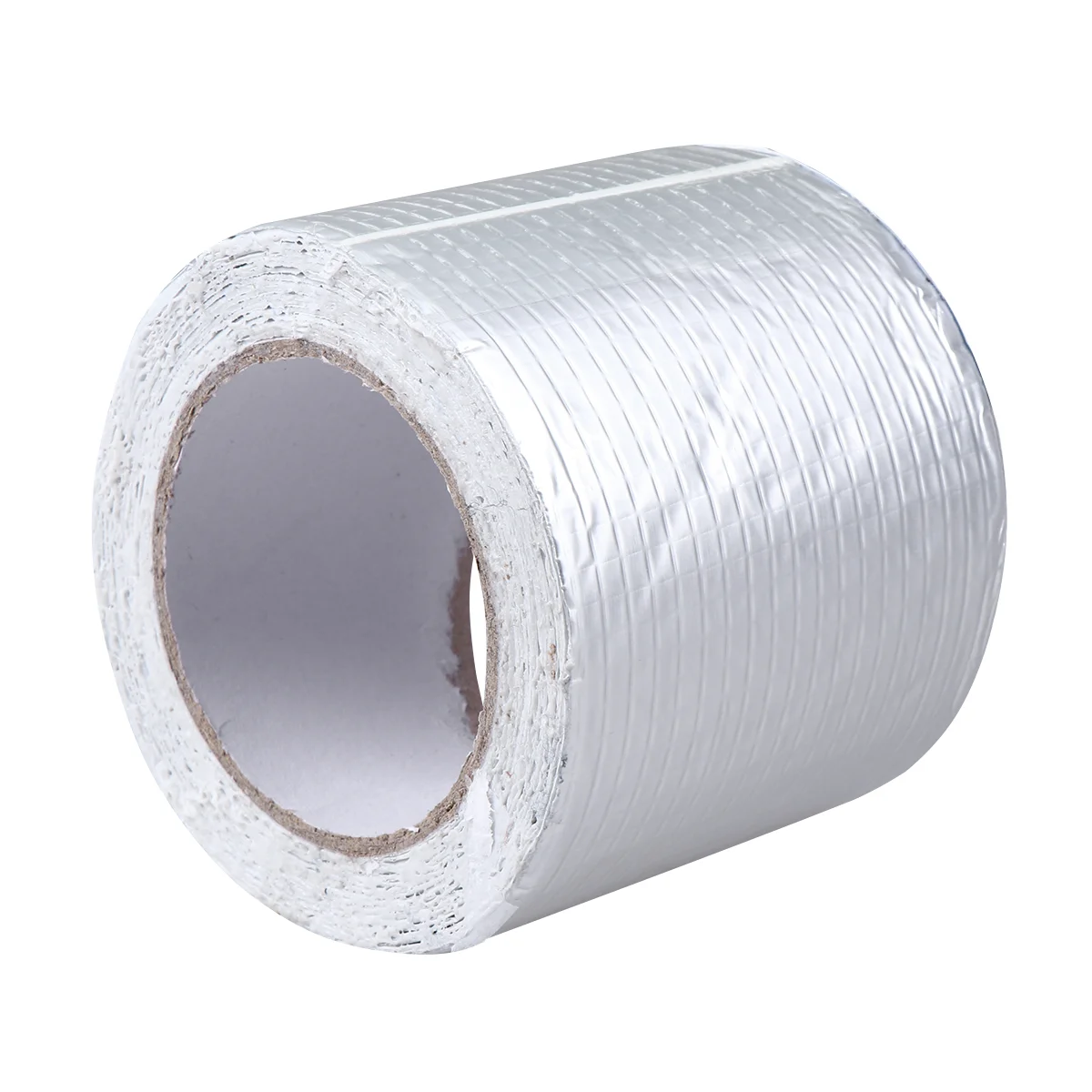
$32.36
Ремонтная лента из бутилкаучука, простая практичная Водонепроницаемая ремонтная лента для труб для прокладки на крыше (10 см x 5 м серебристого цвета)
aliexpress.ru
$52.63
Аниме челка мечта! Костюм для косплея 3-го года, хикава, Хина, имай, Лиза, миниато, юкина, Seta, Каору, Зимняя школьная форма, аниме, на заказ
aliexpress.ru

$2.01
(5 шт.) ILD1 ILD2 ILD5 ILD620 ILD621 ILD74 ILD620GB ILD621GB DIP-8 новый оригинальный чип
aliexpress.ru
$4.37
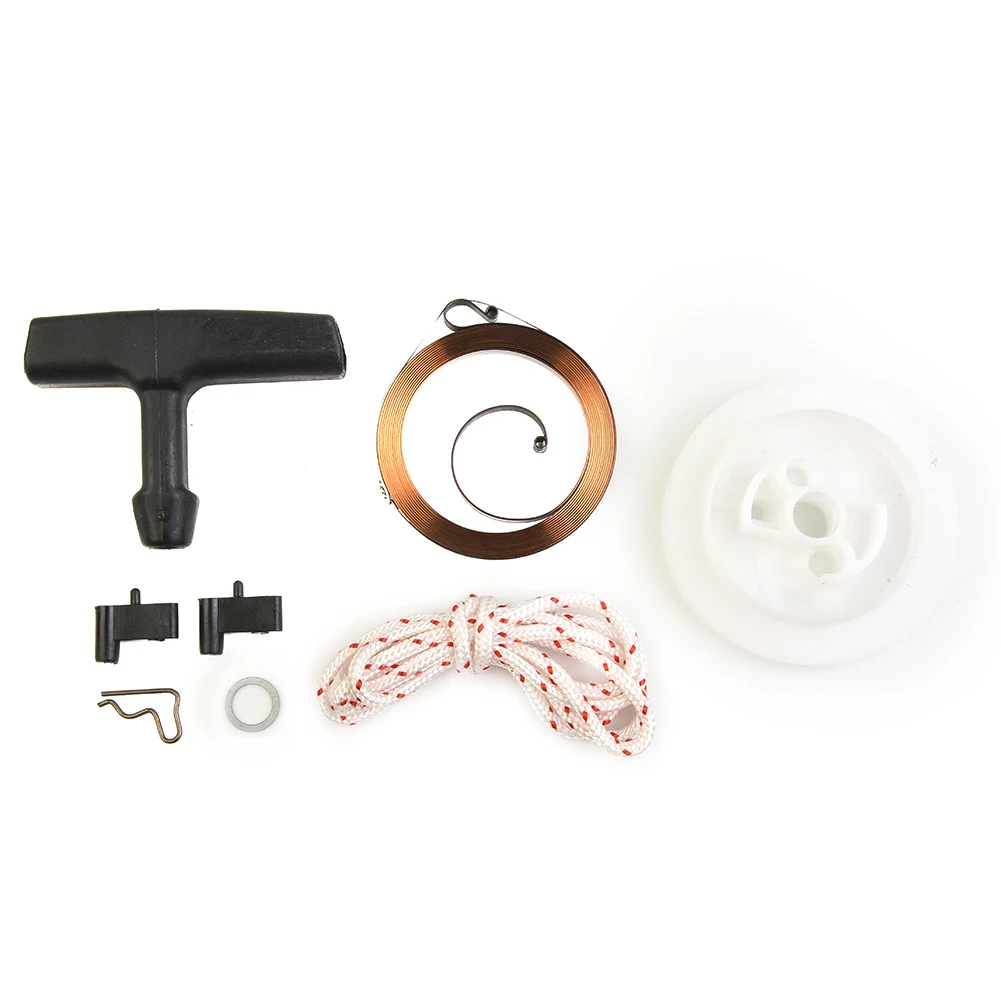
Инструмент для отдачи двигателя, детали, ручка для перемотки, шнур, пружинный комплект шкива для Stihl MS340 MS360 MS440
aliexpress.ru
$5.60
DIY pearl accessories 925 silver Blank pearl Sets of Chain Setting Base empty pendant chain with
aliexpress.com


$9.58
Чехол MyPads попугай-на-острове для Samsung Galaxy Z Flip 4 (SM-F721), Прозрачный, Tocco
goods.ru
$1.48
100% Brand New High Quality Shower Hose Extend Shower Connector For Extra Long Hose Home Improvement Shower Hoses
aliexpress.com
$3.30
Pirate Ship Birthday Backdrops For Photography World Map Party Baby Child Photo Decoration Backgrounds Photocall Studio
aliexpress.com
$3.38
5 Pcs/Set Creative Green Zircon Snake Shape Ring Set for Women Retro Green Zircon Heart Joint Ring Combination Set Jewelry
aliexpress.com
$8.57
Gear Shift Pad Rubber Shift Shoe Toe Protector Cover Non-slip Design Universal All Motorcycle Accessories
aliexpress.com
$21.66
Coffee Dosing Ring Aluminum Alloy Intelligent Powder Feeder Grinder Brewing Bowl Cup Barista Tool for EK43 51/58mm Coffee Tamper
aliexpress.com
$14.02
Replacement Tablet Battery For Samsung Galaxy Tab 4 7.0 Nook SM-T230 T231 T235 EB-BT239ABE EB-BT230FBE EB-BT230FBU
aliexpress.com

$5.17
Print Anime NARUTO Hinata Sexy Girl Art Silk Or Canvas Poster Customized 24x36 Inch Living Room Bedroom Home Wall Picture
aliexpress.com
$3.96
2021 Popular Women Dress V-Neck Long Sleeve Casua Midi Dress Autumn Floral Print A-Line Party Dress Streetwear for Daily
aliexpress.com