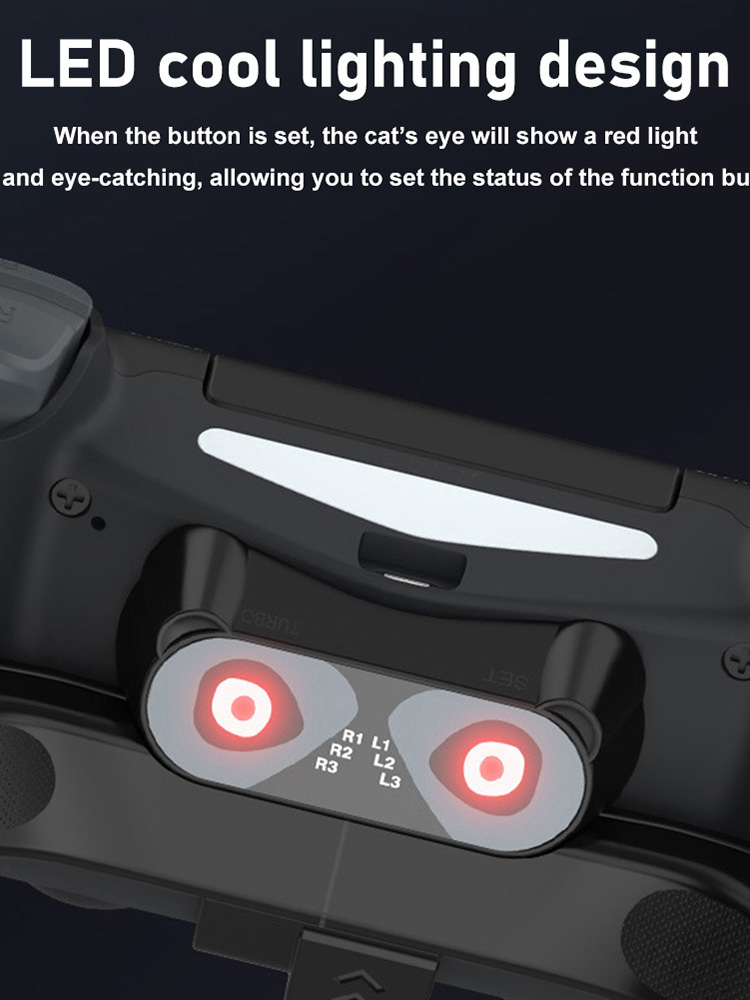
Game Controller Back Button Attachment for PS4 Rear Extension Key Adapter, 501 Original
sku: a91ebc6e-f9b1-4cdb-8e17-27db0a98dc04
ACCORDING TO OUR RECORDS THIS PRODUCT IS NOT AVAILABLE NOW
$11.99
Shipping from: China
Description
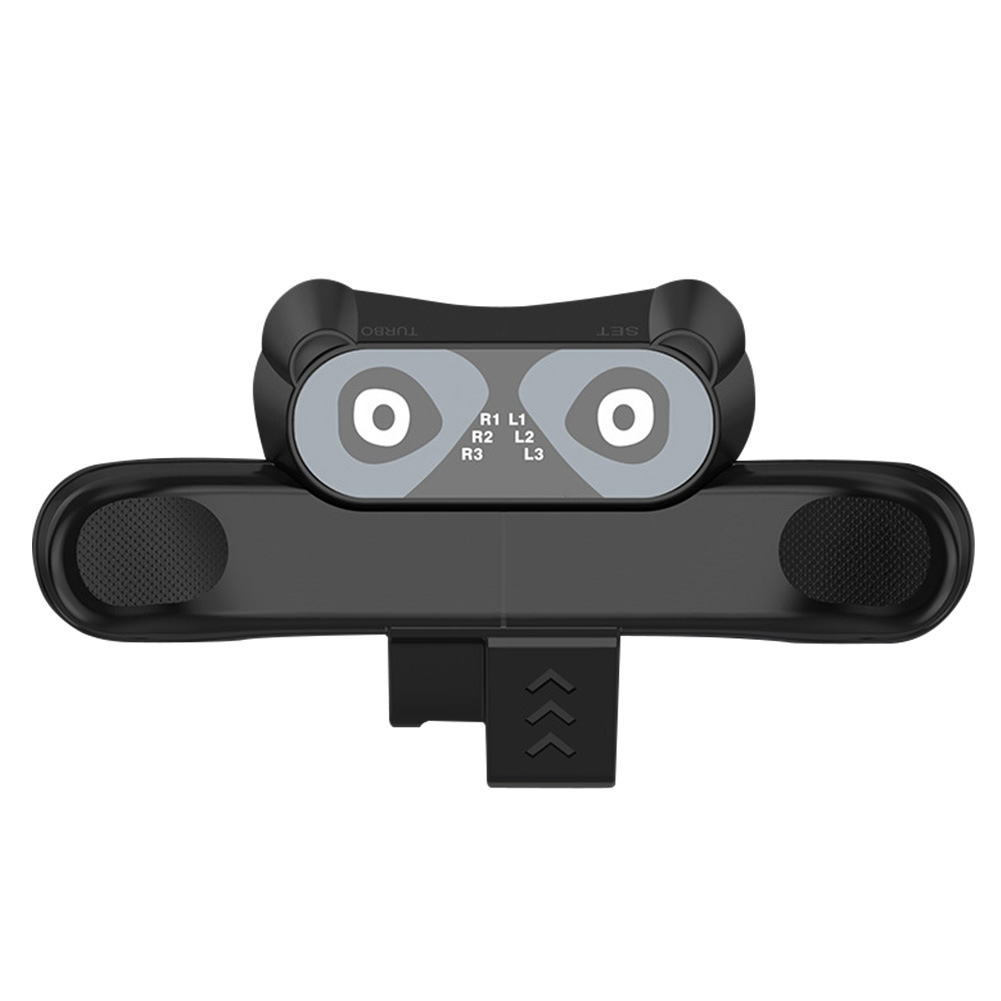
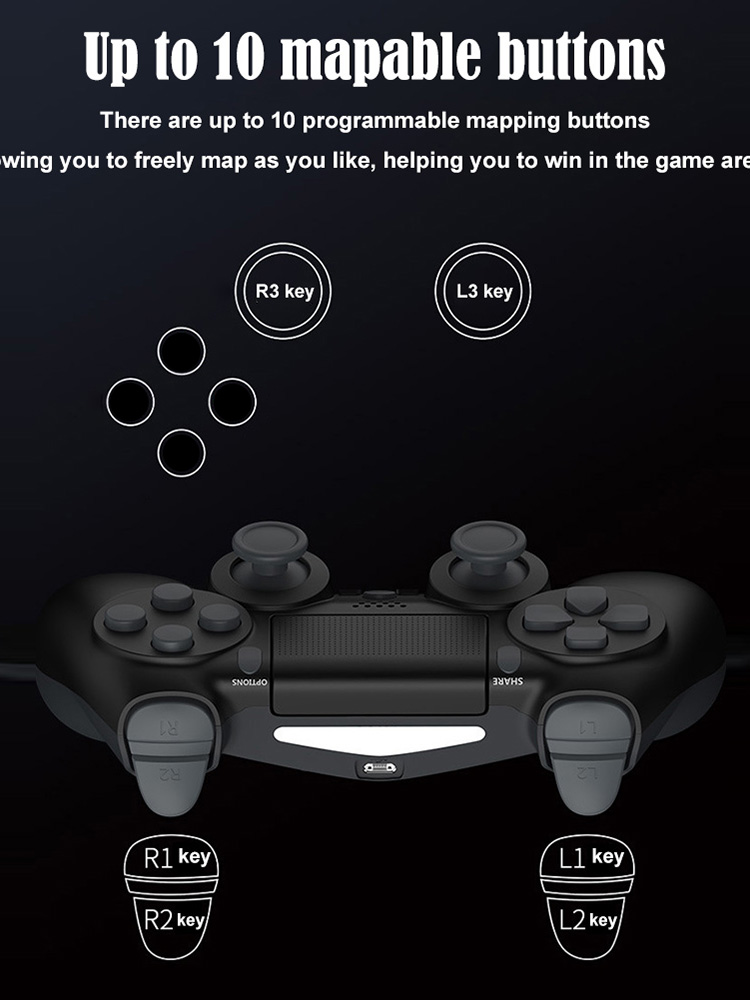
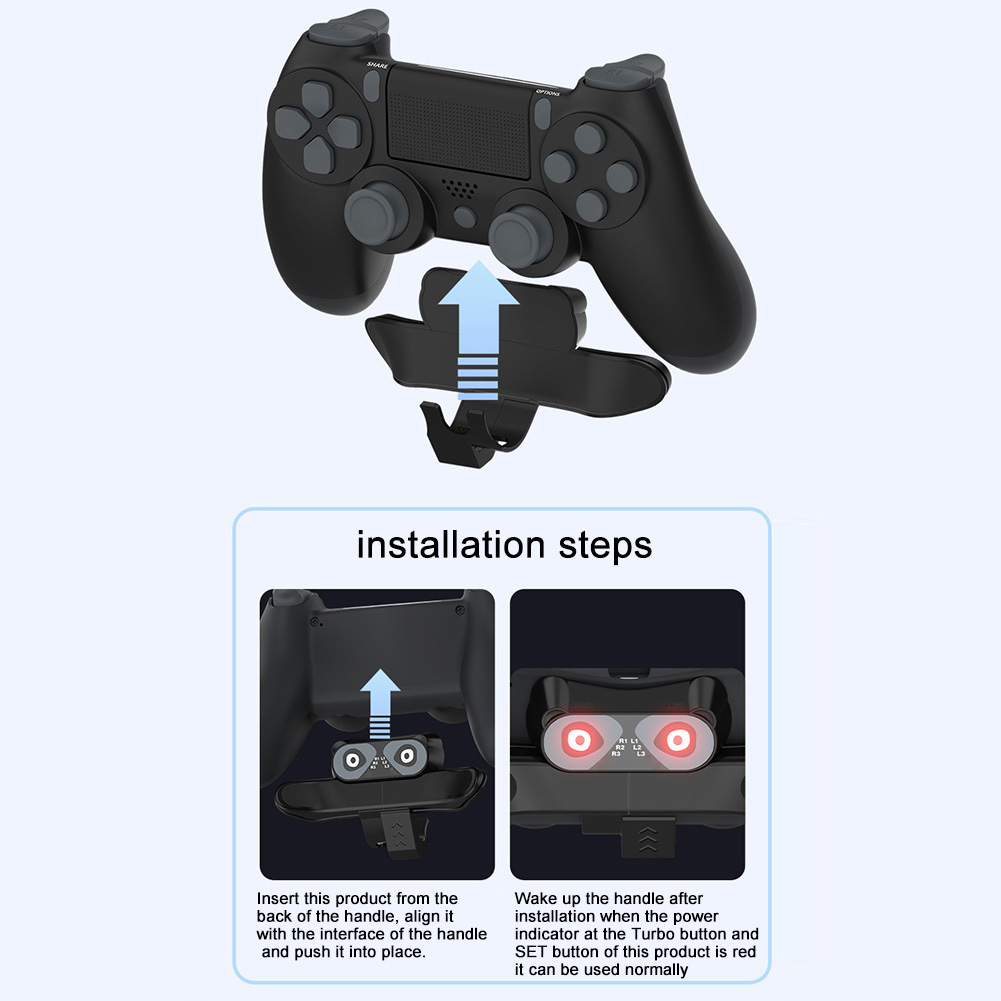
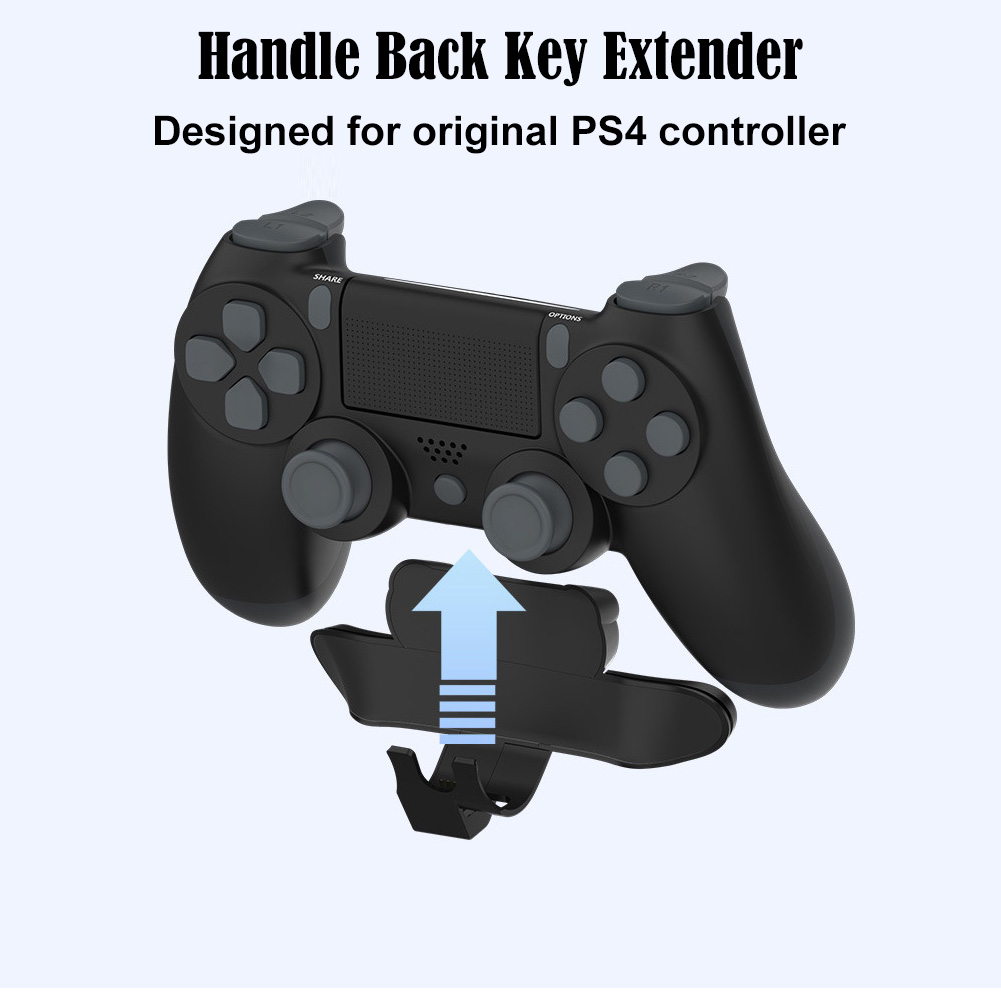
Replacement Controller Back Button Attachment for PS4 Gamepad Joystick Rear Button Extension Key Adapter with Turbo Key Game AccessoriesFeature:1. Programming function setting: long press the SET button for 2 seconds, the LED corresponding to X flashes quickly (4HZ), then short press the M1 or M2 button, the LED lights will flash slowly on the screen of the corresponding function (the light sequence is X, O , Triangle, square, R3, L3, R2, L2, R1, L1), and then press the SET key, the corresponding function will be mapped to M1/2;For example: when entering the programming mode, press the M1 key to display the LED on R1, and then press the SET key again, the LED on R1 will turn on and the function of M1 will be R1; programming M2 is similar to the above.10 LEDs are used as key function indicators to indicate the function of the programming keys, and up to 2 LED lights can be displayed.2. Cancel function: Press and hold the SET button for 5 seconds, the programming indicator LED will change from fast flashing to off, and the M1/2 function will be cleared. At this time, the button has no programming function.3. Programming button memory function: insert the back key extender into the controller, if M1/2 has no function, LED1 flashes slowly (2HZ) for 3 seconds and then goes out, long press the SET button to enter the programming mode and then LED1 flashes quickly; if M1/ 2 If the last programming function is memorized, the corresponding LED light will be on.The previous programming function is saved when the power is turned off; when the controller is inserted again, the previous programming function is still retained, and the factory default has no programming function;4. Turbo function setting: press and hold the function button and the Turbo button at the same time, the function button has the Turbo burst function; press the above key combination again to cancel the function of the button Turbo. If the Turbo function is set, after pressing the button, the LED corresponding to the function flashes quickly (4HZ);Specification:Name: For PS4 back key extenderMaterial: ABSColour: BlackProduct size: 91x57x30mm/3.58x2.24x1.18inProduct weight: 40gNote:Due to the different monitor and light effect, the actual color of the item might be slightly different from the color showed on the pictures. Thank you!Please allow 1-2cm measuring deviation due to manual measurement.Package Content:1 X Back Key Extender1 X Instruction
Price history chart & currency exchange rate
Customers also viewed


$85.02
Оригинальный радиатор для MSI GF65 series, соответствующий стандарту MS-16W1/MS-16W2 радиатор 100%, тест ОК
aliexpress.ru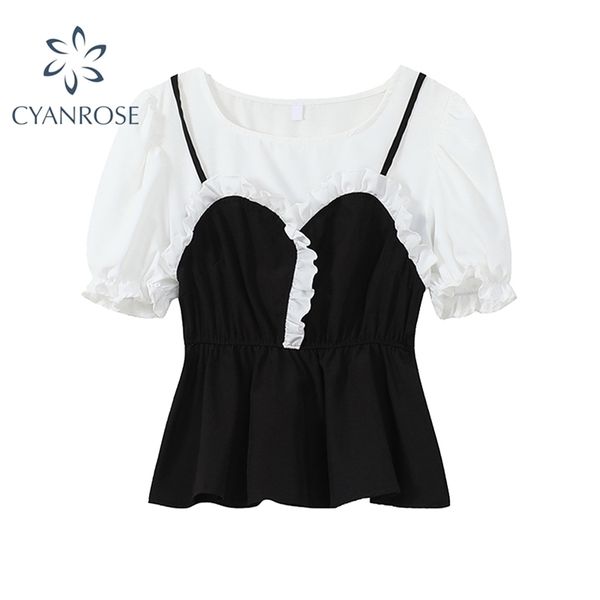
$24.38
fake 2 pieces elegant patchwork ruffle blouse women's summer streetwear puff short sleeve shirts korean chic white crop 210515
dhgate.com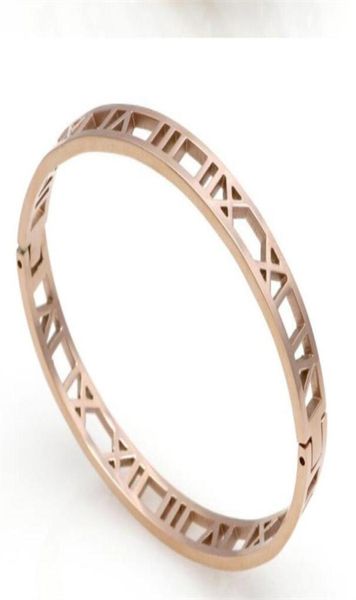
$36.83
2022 fashion silver stainless steel shackle roman bracelet jewelry rose gold bangles bracelets love bracelet dropship3769252, White
dhgate.com
$99.65
mens jeans decorated with diamonds cut holes washed to make old pants which are slim in europe and america3586079, Blue
dhgate.com
$13.60
2021 New Hot Stripe Fashion Bucket Hat Women Summer Beach Sun Floppy Hats Flat Foldable Cotton Caps Visor Cap Anti-UV Cap
aliexpress.com


$29.05
✅ Соковыжималка Royalty Line PJE700 Primelux*EU 1000 Вт | пищевой экстрактор | соковитискач (Гарантия 12 мес)
prom.ua

$28.81
Комплект белья HAGAR SET black XXL/XXXL - Passion Exclusive: стрэпы: трусики и лиф, Черный
prom.ua


$4.90
Детская игровая фигурка Капитан Марвел Haowan рост 29см, Супергерой Мстители, подсветка, подвижные ноги и руки
prom.ua


$3.83
Силиконовый чехол для Samsung J5 2017 Galaxy J530 с рисунком Пони Пинки Пай, Разные цвета
prom.ua


$15.81
Рюкзак городской VICTOR 35л 6621 (PL, р-р 47x35x20см, USB, цвета в ассортименте), Серый
prom.ua
$130.63
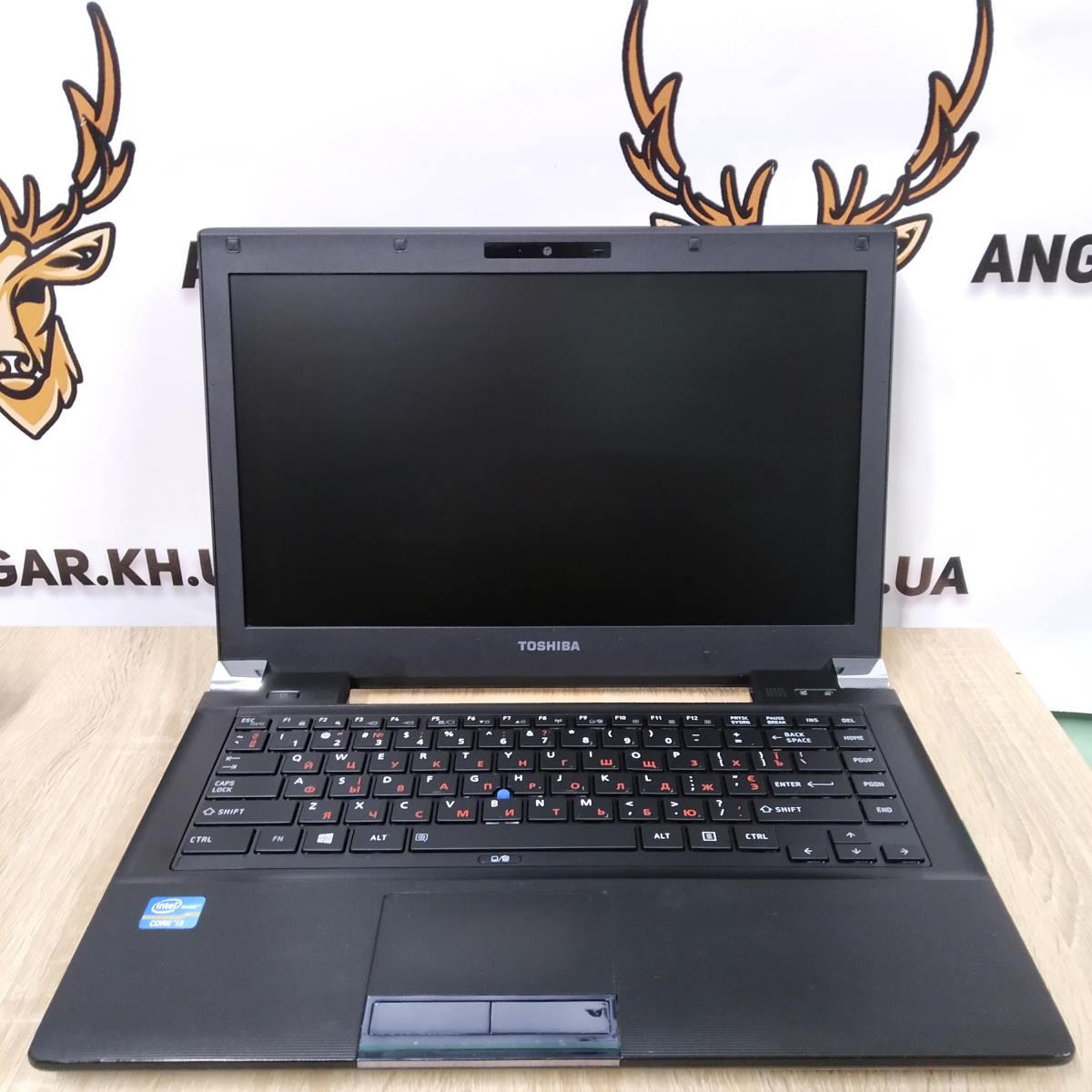
Ноутбук б/у 14.1" Toshiba Tecra R940 (Intel Core i3-3120m / DDR3-4 Gb / HDD 320 Gb / HDMI / USB 3.0 / АКБ 2ч) 3 месяца, 320 GB, 8 GB, Черный
prom.ua
