66 Poppie Flowers Photo Overlays


Description
Just imagine your photos in the atmosphere of these Poppie Flowers... There is a set of 66 Poppie Flowers photo effects which help you to work easier. It's so difficult to capture the right moment, but you want to make a great result quickly and easily. Don't waste your time, enjoy results using photoshop overlays! Look, it's well done, I like it DETAILS & SPECIFICATIONS of 66 Poppie Flowers Photo Overlays set: - 66 PNG files - Width 4500 - High resolution ready to print 300dpi - Photoshop overlay actions to easy apply - 49 PNG files, 17 Premade PNG overlays, PSD Quick Start EASY TO USE - Text Instructions inside Buy it now and make perfect photos to customers! PLEASE NOTE 1. After complete downloading the archive '034-PRO. 66 Poppie Flowers Photo Overlays by Bundle.Cat.zip' will be downloaded to the Downloads' folder or the one you selected. 2. Unzip the archive into a folder. Do not be discouraged if the folder images with a black background. There is a Screen Blend Mode that allows you to remove the black background by displaying only objects in Photoshop. 3. Open the Photoshop, open an image that you will apply and follow one of the ways below. PLEASE LET ME KNOW IF YOU HAVE ANY QUESTIONS. ontact me at [email protected] INSTRUCTIONS There are 3 the ways to apply photo overlays: 1st - using Overlay Actions include 2nd - using Quickstart PSD course include only in PRO version 3rd - standard, Drag'n'Drop method 1ST WAY: OVERLAYS ACTION This method is more progressive because it allows you to quickly apply overlays from any folder, even from other sellers. In the settings of the action, you can set the hotkey F3 for example so that in one click you call this action 1. Double-click on the 'Overlay Actions.atn' file to load it into Photoshop. Once installed, please access the Actions panel within Photoshop by clicking on 'Window Actions'. There are 2 actions: JPEG and PNG Overlays. The difference between Overlay Action JPEG and Overlay Action PNG is that JPEG applies the Screen Blend Mode. 2. Find Overlays Action' and press Play action what you need. 3. The Photoshop dialog box opens and prompts you to select the file. Click Continue' and find the folder you unzipped and select the image you like. This image will immediately get into your Photoshop file where the photo is open. 4. Scale, rotate or reflect the overlay if you want 5. Press Cmd Ctrl Enter and the action will create a layer mask and two adjustment layers. If necessary, apply a black brush on the layer mask to hide the image where necessary, and in the correction layers, adjust the color or Levels so that the overlay looks appropriate for the photo. 6. Save the image and show your customers, they will be pleasantly surprised by the result 2ND WAY: Quickstart PSD COURSE This method allows you to work in a photoshop file, where you can select the overlay you like, making the layer visible. This is convenient because you can see it in the thumbnails of the layers of the image, but it's inconvenient that in some versions of Photoshop the file may not open properly. This function is optional and is supplied as is. 3RD WAY: DRAG'N'DROP 3.1 Drag from the folder any image and place it in a Photoshop file. For images with a black background, apply the Screen Blend Mode. To change the blend mode, double-click on the layer, the layer styles window will open. Change the blending mode and proceed to the next step. For overlays with a transparent background, you do not need to do anything. 3.2 Scale, transform, lower the opacity or add a Layer Mask and Paint on Your Overlay if necessary. SOMETHING MORE - Compatible with any software which works with layers Photoshop CS5 , Photoshop Elements, Paint Shop Pro, etc. - Not for Further Distribution - This listing is a digital download. No physical product will be shipped - Copyright Notice: All copyrights and trademarks of the trademarked ideas and photos being used belong to their respective owners and are not being sold, they are provided to you for free. This item is not a licensed product and I do not claim ownership over the trademarked ideas used.
Technical Details
| _GoogleCategoryID: | 5032 |
Price history chart & currency exchange rate
Customers also viewed


$33.39
Обои Caselio, Linen Edition 103227400 Винил на флизелине (0,53*10,05) Коричневый, Однотонные/Рогожка
santehnika-tut.ru

$55.52
money clutch rhinestone purse 10000 dollars stack of cash evening handbags shoulder wedding dinner bag 8 color
dhgate.com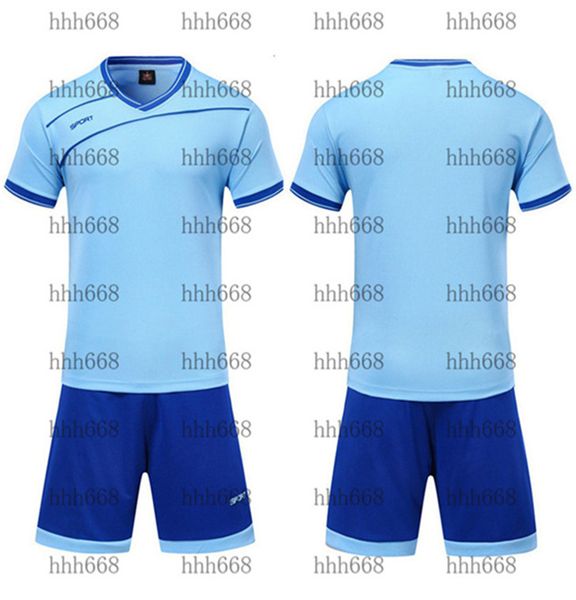
$61.91
2021 010136 football tracksuit short sleeve match training suit children's team jersey number logo customization 23, Black
dhgate.com


$9.76
Вязаный крючком горшечный цветок с позитивной открыткой Эмоциональная поддержка Ручная вязка
joom.com

$7.56
Curl Natural Многоразовые накладные ресницы Полоски Накладные ресницы Лента Инструмент для наращивания ресниц чёрный
joom.ru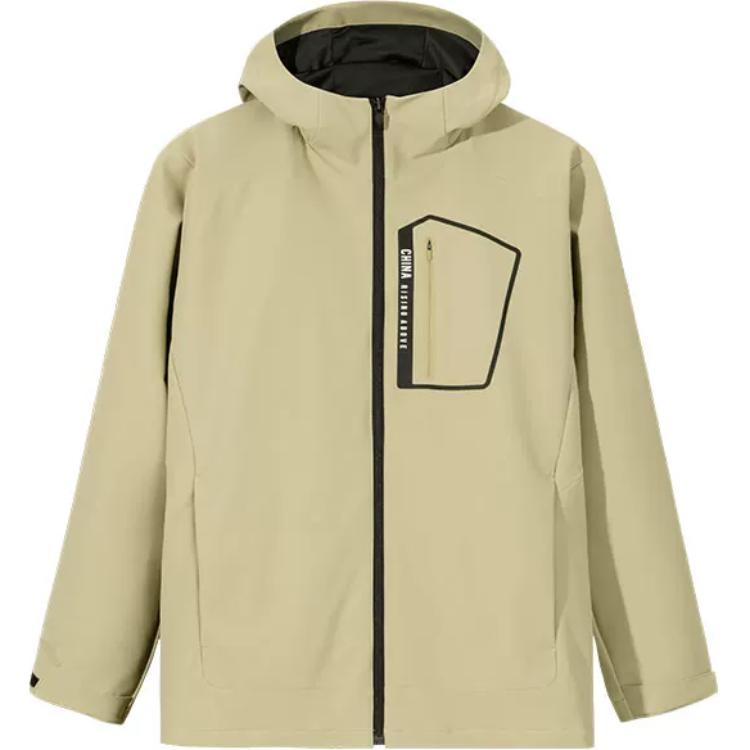
$89.53
ANTA Разнообразная тренировочная куртка мужская Pine Storm Green, Pine Morning Green
cdek.shopping
$31.40
Arsenal Base) AB02-053 Shiro Amada AB02-004 Easy Eight Gundam Ez8 (Pilot & Mobile Suit 2-Piece Set) 08th MS Team
joom.com

$6.54
2 шт. 13 см воротник цветок ткань булавки для лацканов новый цветок брошь булавки Свадебная вечеринка чёрный
joom.com

$42.36
Women s Faux Suede Button Jacket Oversized Gathered Hem Short Length Coat Casual Vintage Outerwear With Pockets L
joom.com
$126.75
SUNVIC Seat Switch Kit for New Alphard and Vellfire 40 and Automatic Power Sliding Door and Back Door Custom Japanese Instruction Manual Included
joom.com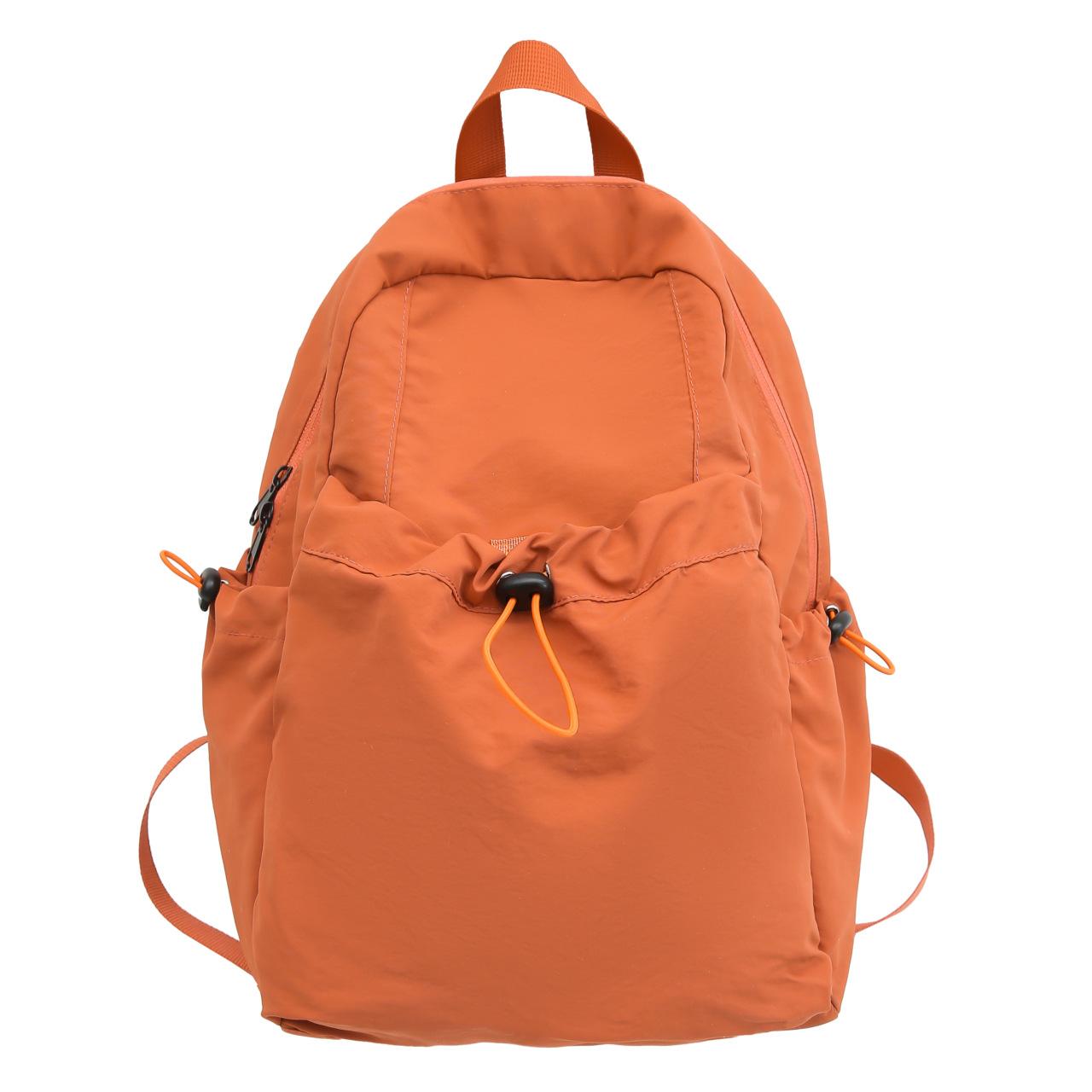
$28.64
Ретро школьные ранцы, простые компьютерные рюкзаки для студентов колледжа, рюкзаки для мальчиков и девочек, учеников средней и старшей школы One Size оранжевый
joom.com