5 Mobile Presets COLD BREW


Description
NEW! Mobile Lightroom Preset COLD BREW Creamy Grey Tones Lightroom Preset, This preset will produce cold pale feel with grey desaturated tones and allow you to spend more time shooting and less time editing. These presets will give your images a modern Instagram inspired look. This preset is perfect for bloggers, influencers, lifestyle and portrait photographers. Keep in mind that all presets work differently with each photo depending on a number of factors such as lighting, white balance, tone etc. Mobile Preset are perfect for your Lightroom Mobile App and work well with your photos shot with your iPhone or Android device. You don't need an Adobe subscription to use these presets. You simply need to download the LR Mobile App and create an account with Adobe. These presets will be compatible with both jpeg and RAW files, for best results shoot in RAW or apply presets to high quality, well-lit images. Included - 5 LIGHTROOM MOBILE PRESET .DNG file .Zip Archive - 1 PDF Instruction Guide How to Download and Install mobile preset from Creative Market : Creative Market recommend that you download your purchases from a computer. If your mobile device will not be able to download leave me message/comment with your email I'll send Presets files and instruction and you can save directly in your camera roll. Downloading and Unzipping the Presets To get started, please follow these steps: Download your presets and unzip them on your phone/tablet/computer You can unzip a file on a mobile device by following this link ipad Note: As all files you download on Creative Market will use .zip compression- even single files- you'll need to use a third-party app to unzip files if you're downloading and installing presets on your mobile device. After unzipping the files, locate the files ending in DNG. 1. Tap on .DNG file 2. Find the "..." or "arrow up" button top right and push , find Open with Lightroom or Send copy to Lightroom , etc. 3. If you don't have this option Save this .DNG file as image in your camera roll. 4. Open the Lightroom CC App and Click 'Add Image' button and add the file. It will appear as an image. 5. Open the image Click the 3 dots in the top right corner Click 'Create Preset' Name your preset Save 6. Go back to Home Page in your App. Add your own photo and open it. In the Edit Mode scroll the bottom panel to 'Presets' 'User Presets' Click the preset you have created. For any questions or editing help Please contact me email [email protected] BUY 3 PRESETS AND GET 1 FREE! HERE IS HOW // purchase three presets and leave me a message indicating the preset which you would like to receive for free and your email, I will send it to you by e-mail // 2019 Victoria Bee Photography.All Rights Reserved Instagram victoriabeephoto
Technical Details
| _GoogleCategoryID: | 5032 |
Price history chart & currency exchange rate
Customers also viewed
$17.28
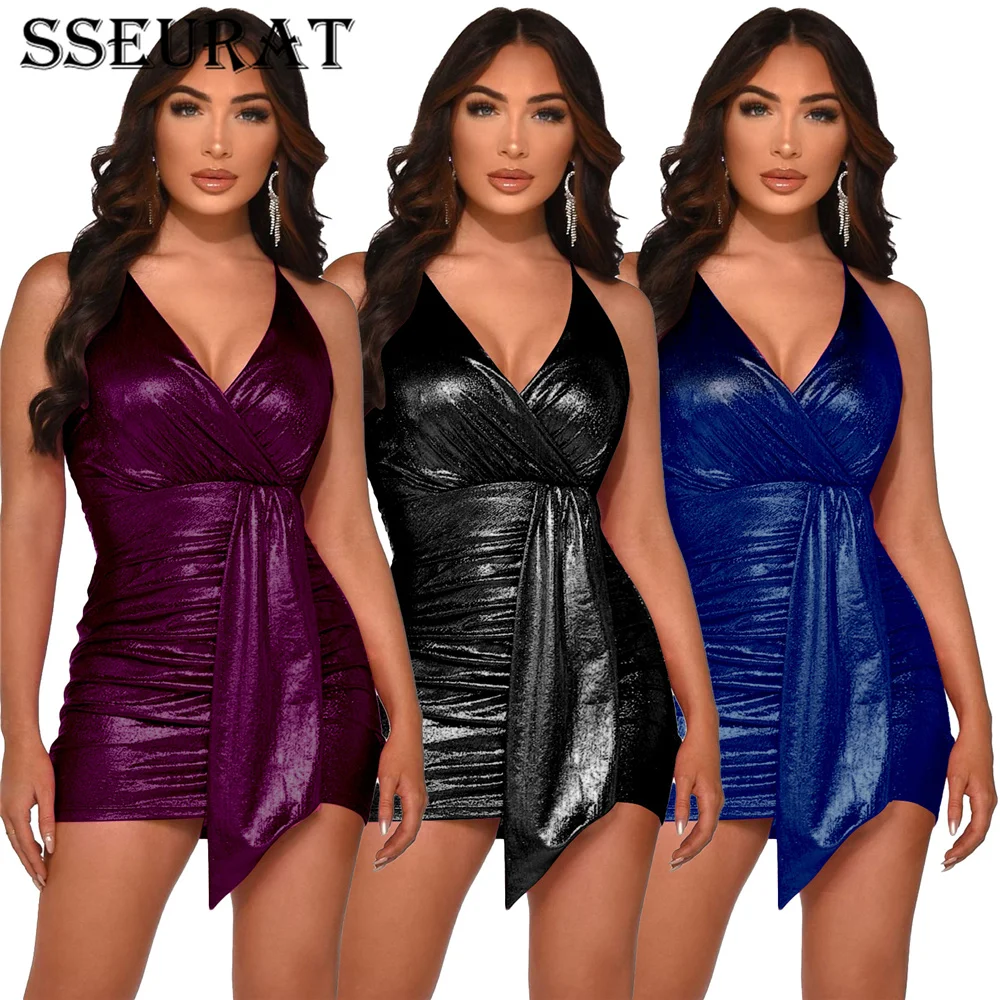
SSEURAT Women Dress Solid Sleeveless Spaghetti Strap V-neck Shirring Sheath Elastic Mini Dresses Sexy Night Club Dress Summer
aliexpress.com
$14.11
Sexy Off-Shoulder Korean Package Hip Party Dresses Bohemia Women's Cross Dress 2021 Summer Fashion Bodycon Short Dress Vestidos
aliexpress.com
$34.36
2021 NEW Mesh Women Casual Shoes Flat Lace Up Women Vulcanize Shoes Breathable Walking Spring Summer Ladies Sneakers Zapatos
aliexpress.ru

$6.69
[Ready 8 September 2025] Fox’s Fabulous Chocolatey Rounds 130g (Milk Chocolate / White Chocolate / Salted Caramel / Orange
shopee.co.id
$1.93
Forcysn Slimfy Spearmint Tea Teh Daun Mint Obat Jerawat Teh Mint Teh Herbal Teh Spearmint
shopee.co.id$5.30
New Bantex Binder Note A5 20 Ring Besi Loose Leaf Multiring Binder Light Lilac 1324 24Premium
shopee.co.id
$2.05
Ay00! Pisang Sale Manis 250 gr / Pisang Sale Jari / Sale Pisang Jari / SALE PISANG / SALE JARI /
shopee.co.id