40% off - Abstract Collage BUNDLE


Опис
One of my favorite trends lately is abstract collages with big sections of paint, paper or pattern in gorgeous, modern colors. This bundle includes 3 of my most recent sets which include some of those beautiful collages, and also give you a set of tools to create your own coordinating images! This bundle includes: - Paper Abstract Collages - Rock Abstract Collages - Jungle Abstract Collages These lovely backgrounds are perfect for web images, branding, packaging, and print or poster design. The modern color palette is great for a variety of projects, but these vector graphics are also easy to change color and arrangement to fit your project's needs. Between the three sets, this bundle includes 24 backgrounds with artistic collages, and 15 basic textured patterns. It also includes 30 graphic styles, which make creating your own work in this style a breeze! These graphic styles include several different papers, textures, and other graphics, making it super easy to create your own custom artwork. TL;DR This set includes: - 24 backgrounds AI and JPG, 3600x3600 px . 4 bonus JPG images with a little extra space for your text in the Rock set - 15 basic seamless vector patterns AI, JPG, PNG, 3600x3600 px - 30 graphic styles AI - 2 bonus poster designs AI, A4 size Also be sure to check out the video tutorial at the end of the preview images, which demonstrates how the graphic styles can be used to create your own artwork. The fonts I used in the preview images are Handwriting available here on CM and Oriya. I had a blast creating these patterns and the preview images as well! I hope you enjoy these, and please message me with any questions! How do I use the graphic styles? Create or open a document. In the Graphic Styles panel, click the "Graphic Styles Libraries Menu" button bottom left , and click "Other Library." Navigate to the "Abstract Collage - Rock.ai" file you downloaded and click OK. Select an object in your document and then click on one of the graphic styles to apply it. How do I change the colors of the basic patterns pattern swatches ? In Illustrator, to change the color of a pattern swatch, double click on the pattern swatch in your document's Swatches panel. This will open up Pattern Editing Mode, and you can select shapes and change their color or arrangement. How do I change the size of the basic patterns pattern swatches ? In Illustrator, to change the size of a pattern, select or create a shape filled with a pattern. Choose ObjectTransformScale. Uncheck 'Transform Objects' and check 'Transform Patterns.' Input your chosen percentage into the box, and click OK.
Характеристики
| _GoogleCategoryID: | 5032 |
Графік зміни ціни & курс обміну валют
Користувачі також переглядали
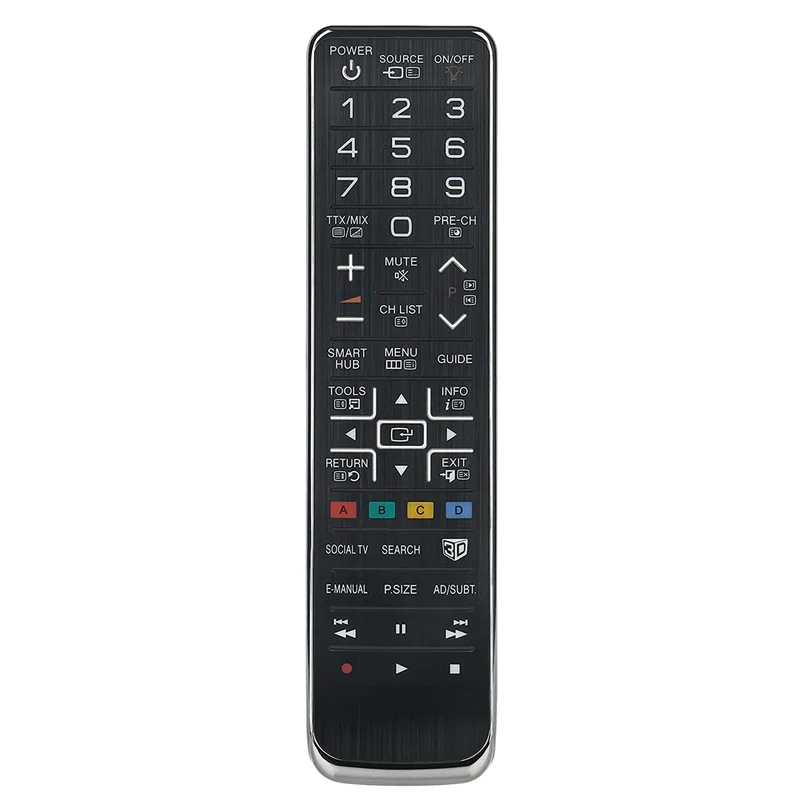
$7.96
AA59-00543A сменный пульт дистанционного управления для Samsung LED LCD плазменный 3D TV UE40D8000YU PS51D8000FU UE55D7000LU UE55D8000YU
aliexpress.ru

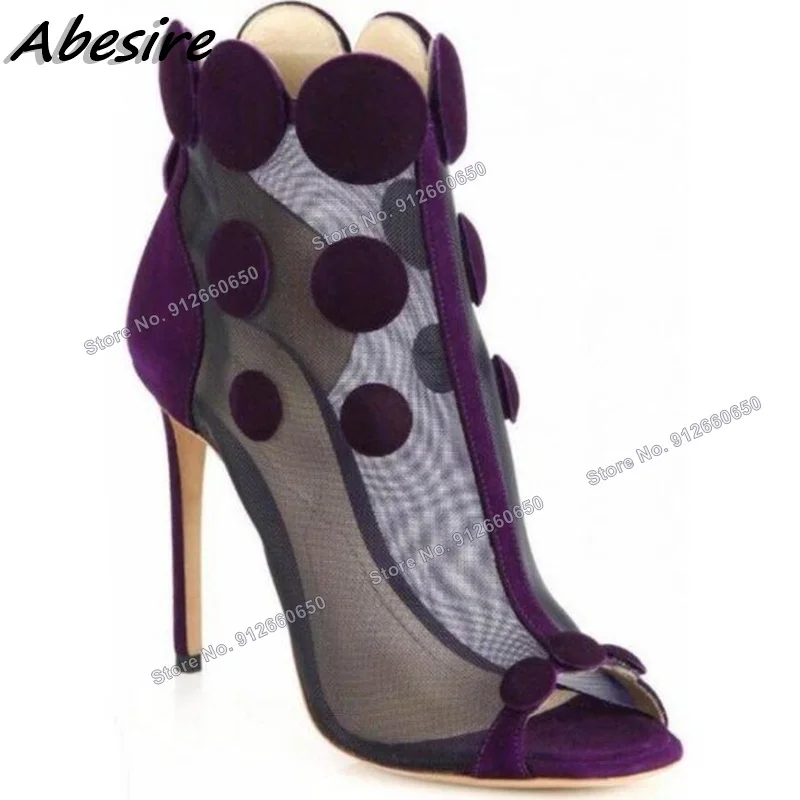
$118.00
Abesire Purple Air Mesh Sandal Boots Suede Back Zipper Peep Toe Fashion Pachwork Runway Boots Women Shoes Party Shoes On Heels
aliexpress.ru

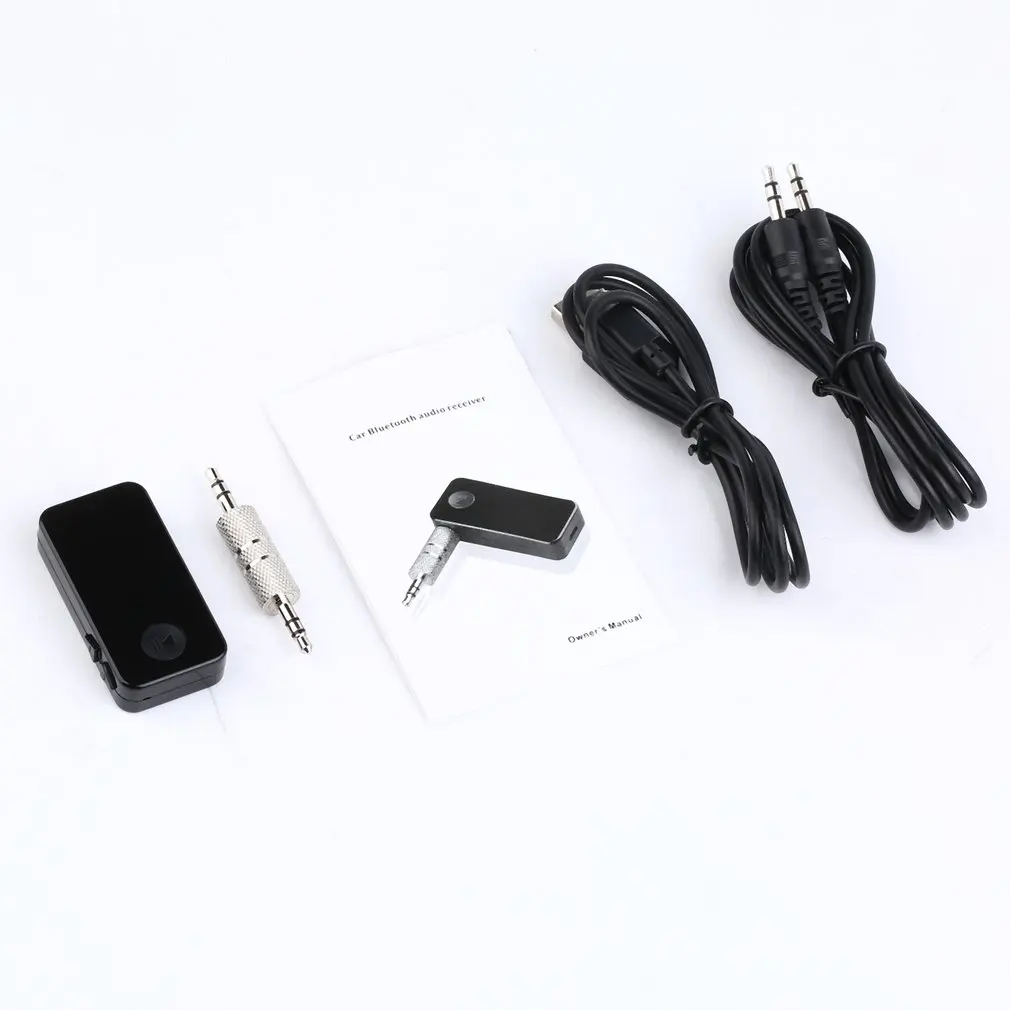
$2.72
3.0 In-line Car Transmitter Music Audio FM Transmitter Mini Wireless In-car Transmitter car MP3 Transmitter
aliexpress.com

$5.99
Plated Spliced Marbling For Samsung S20 Plus A51 Protective Cover S10 S8 Silicone Phone Case
us.wholee.sale


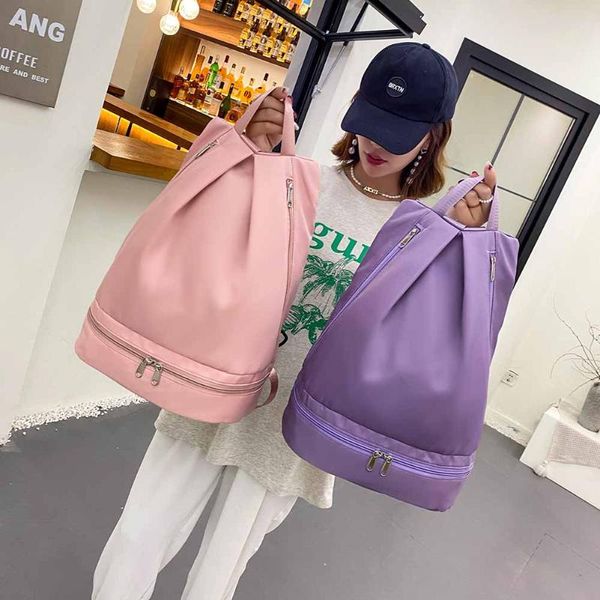
$17.55
diaper bags fashion women travel shoulder bag oxford cloth solid color waterproof backpack ladies fitness large capacity handbags knapsacks
dhgate.com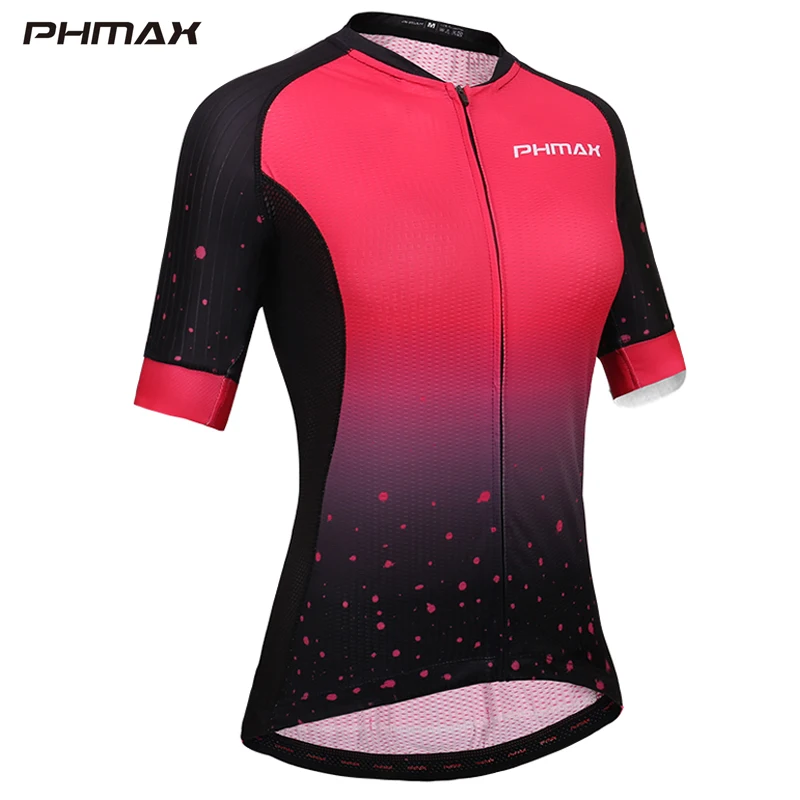
$20.50
PHMAX Pro Women Cycling Jersey Summer Quick-Dry Anti-UV Cycling Bicycle Clothing Breathable mtb Bike Shirt Cycling Wear
aliexpress.com


$12.25
DC 12V Universal Motorcycle Speedometer Tachometer Gauge with LED Backlight Gear Dual Speed Meter with LED Indicator 2 color
aliexpress.com
