21 Confetti Photo Overlays


PhotoEffects.Store
артикул: 3355811
СОГЛАСНО НАШИМ ДАННЫМ, ЭТОТ ПРОДУКТ СЕЙЧАС НЕ ДОСТУПЕН
$9.00
Доставка из: США
Описание
Shop it first! ENTIRE Store Bundle. Free Updates Forever: --- DETAILS & SPECIFICATIONS of 21 Confetti Photo Overlays set: - 21 PNG files - Width 7952 px - High resolution ready to print 300dpi Finish purchase and make perfect photos to customers! PLEASE NOTE 1. After complete downloading the archive '036-ADV. 21 Confetti Photo Overlays.zip' will be downloaded to the Downloads' folder or the one you selected. 2. Unzip the archive into a folder. Do not be discouraged if the folder images with a black background. There is a Screen Blend Mode that allows you to remove the black background by displaying only objects in Photoshop. 3. Open Photoshop, open an image that you will apply and follow one of the ways below. PLEASE LET ME KNOW IF YOU HAVE ANY QUESTIONS. ontact me at [email protected] INSTRUCTIONS There are 3 the ways to apply photo overlays: 1st - using Overlay Actions include 2nd - using Quickstart PSD course include only in PRO version 3rd - standard, Drag'n'Drop method 1ST WAY: OVERLAYS ACTION This method is more progressive because it allows you to quickly apply overlays from any folder, even from other sellers. In the settings of the action, you can set the hotkey F3 for example so that in one click you call this action 1. Double-click on the 'Overlay Actions.atn' file to load it into Photoshop. Once installed, please access the Actions panel within Photoshop by clicking on 'Window Actions'. There are 2 actions: JPEG and PNG Overlays. The difference between Overlay Action JPEG and Overlay Action PNG is that JPEG applies the Screen Blend Mode. 2. Find Overlays Action' and press Play action what you need. 3. Photoshop dialog box opens and prompts you to select the file. Click Continue' and find the folder you unzipped and select the image you like. This image will immediately get into your Photoshop file where the photo is open. 4. Scale, rotate or reflect the overlay if you want 5. Press Cmd Ctrl Enter and the action will create a layer mask and two adjustment layers. If necessary, apply a black brush on the layer mask to hide the image where necessary, and in the correction layers, adjust the color or Levels so that the overlay looks appropriate for the photo. 6. Save the image and show your customers, they will be pleasantly surprised by the result 2ND WAY: Quickstart PSD COURSE This method allows you to work in a photoshop file, where you can select the overlay you like, making the layer visible. This is convenient because you can see it in the thumbnails of the layers of the image, but it's inconvenient that in some versions of Photoshop the file may not open properly. This function is optional and is supplied as is. 3RD WAY: DRAG'N'DROP 3.1 Drag from the folder any image and place it in a Photoshop file. For images with a black background, apply the Screen Blend Mode. To change the blend mode, double-click on the layer, the layer styles window will open. Change the blending mode and proceed to the next step. For overlays with a transparent background, you do not need to do anything. 3.2 Scale, transform, lower the opacity or add a Layer Mask and Paint on Your Overlay if necessary. SOMETHING MORE - Compatible with any software which works with layers Photoshop CS5 , Photoshop Elements, Paint Shop Pro, etc. - Not for Further Distribution - This listing is a digital download. No physical product will be shipped - Copyright Notice: All copyrights and trademarks of the trademarked ideas and photos being used belong to their respective owners and are not being sold, they are provided to you for free. This item is not a licensed product and I do not claim ownership over the trademarked ideas used.
Характеристики
| _GoogleCategoryID: | 5032 |
График изменения цены & курс обмена валют
Пользователи также просматривали


$8.67
60 вегетарианских органических грибов Ганодерма, без ГМО, без глютена, все натуральные формулы
aliexpress.ru
$2.20
1pc Mini Ratchet Socket Wrench 1/4 Inch Double Headed Quick Socket Ratchet Wrench Screwdriver Bit Repair Tool Effort Saving
aliexpress.ru
$9.96
Женский купальник-танкини с винтажным принтом на бретельках, свободный купальник из двух частей, купальный костюм с трусиками, летняя пляжная одежда, купальники больших размеров
aliexpress.ru
$9.62
30 Pcs Target Paper Sticker Shot Splatter Self-adhesive Targets Stickers Round Pvc Sports Accessories Papers for Game
aliexpress.ru
$8.72
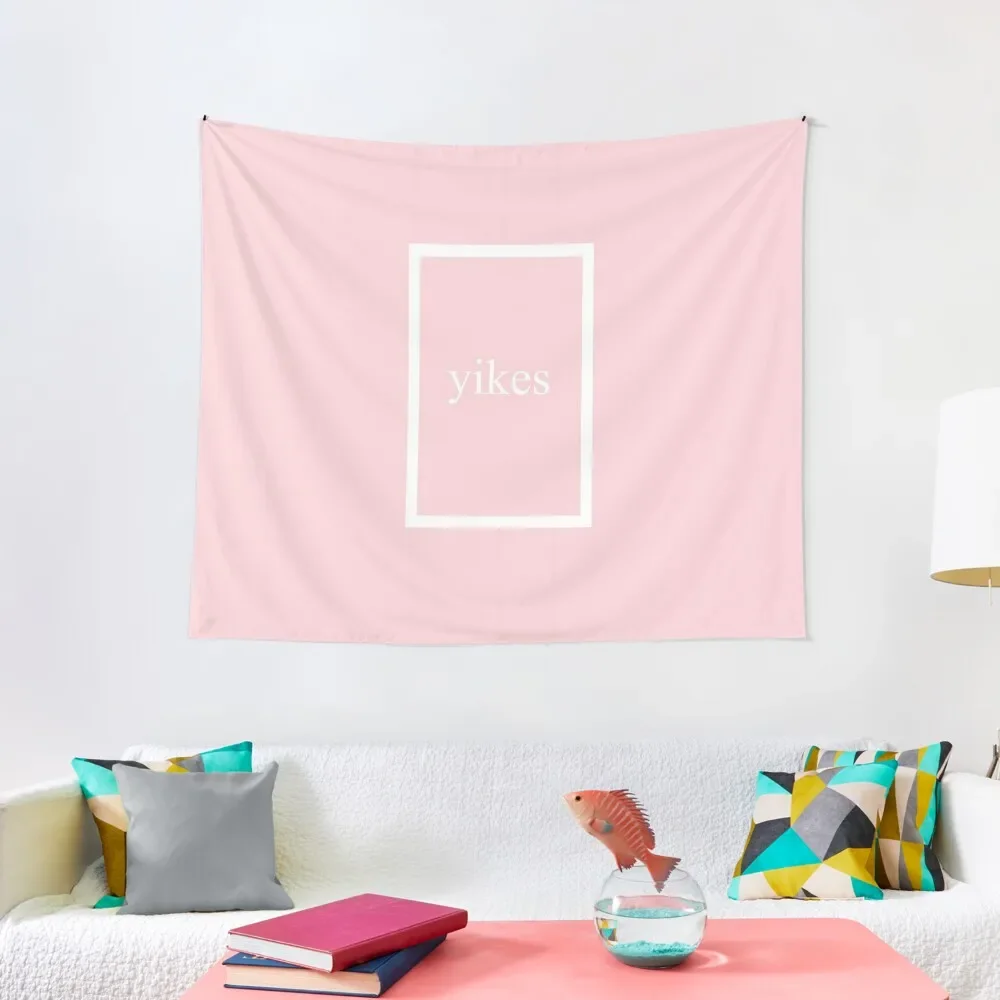
Гобелен yikes, украшения для комнаты, эстетическое Рождественское украшение, декор для ванной комнаты, гобелен
aliexpress.ru
$2.69
Universal Car Seat Belt Buckle Clip Protector Creative nterior Button Case Anti Scratch Cover Protector Safety car accessories
aliexpress.ru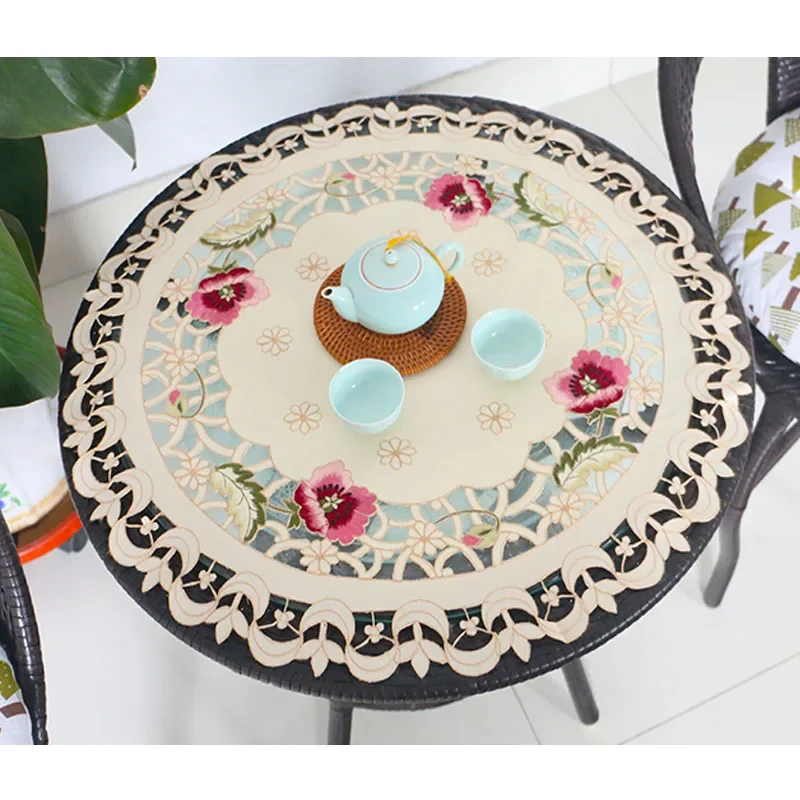
$49.27
Цветочная вышитая скатерть для стола кухонная Рождественская скатерть для кофе чая свадебный Декор для дома
aliexpress.ru
$3.86
Свитшот мужской с круглым вырезом, уличная одежда с надписью, мягкий плотный теплый пуловер с эластичными манжетами, Осень-зима
aliexpress.ru


$1.03
Stamps And Metal Cutting Dies Thayer DIY Scrapbooking Envelope Diary Photo Album Paper Cards Decorative Craft Embossing Template
aliexpress.ru

$8.61
4 Pcs Hand Soaking Bowl Manicure Supplies Gel Nail Polishes Bowls Color Removing Tools Beauty Tips Acrylic
aliexpress.ru


$2.56
10/50 шт., наклейки с черным клювом, чумой, доктором вороной, граффити, наклейки для DIY, багажа, ноутбука, мотоцикла, велосипеда, наклейки
joom.ru
$2.41
24 шт. носимые накладные ногти бордового цвета «сделай сам», дизайн ногтей с заостренной головкой, стильный гель, накладные ногти, набор для маникюра, аксессуары для маникюра
joom.ru


$143.11
Switzerland CARNIVAL Famous Brand Watch Luxury Automatic mechanical Men Watch Rose Gold Case Blue Dial Leather Strap 2019
aliexpress.com
$14.40
Princess Head Flower Crowns New Bridesmaid Wreath Headdress Wedding Accessories For Bride Purple Fashion Flower Headwear Garland
aliexpress.com