12 Kisses Photo Overlays


PhotoEffects.Store
артикул: 6672786
СОГЛАСНО НАШИМ ДАННЫМ, ЭТОТ ПРОДУКТ СЕЙЧАС НЕ ДОСТУПЕН
$9.00
Доставка из: США
Описание
There is the set of 12 Kisses which helps you to work easier. Shop it first! ENTIRE Store Bundle. Free Updates: --- DETAILS & SPECIFICATIONS of 12 Kisses Photo Overlays set: - 12 PNG files - Width Max 800 px, Min 460 px - Photoshop Action for Easy Applying Finish purchasing and make perfect photos for customers! PLEASE NOTE 1. After complete downloading the archive '085. 12 Kisses Photo Overlays.zip' will be downloaded to the Downloads' folder or the one you selected. 2. Unzip the archive into a folder. Do not be discouraged if the folder images with a black background. There is a Screen Blend Mode that allows you to remove the black background by displaying only objects in Photoshop. 3. Open Photoshop, open an image that you will apply and follow one of the ways below. PLEASE LET ME KNOW IF YOU HAVE ANY QUESTIONS. ontact me at [email protected] INSTRUCTIONS There are 3 ways to apply photo overlays: 1st - using Overlay Actions include 2nd - using Quickstart PSD course include only in PRO version 3rd - standard, Drag'n'Drop method 1ST WAY: OVERLAYS ACTION This method is more progressive because it allows you to quickly apply overlays from any folder, even from other sellers. In the settings of the action, you can set the hotkey F3 for example so that in one click you call this action 1. Double-click on the 'Overlay Actions.atn' file to load it into Photoshop. Once installed, please access the Actions panel within Photoshop by clicking on 'Window Actions'. There are 2 actions: JPEG and PNG Overlays. The difference between Overlay Action JPEG and Overlay Action PNG is that JPEG applies the Screen Blend Mode. 2. Find Overlays Action' and press Play action what you need. 3. Photoshop dialogue box opens and prompts you to select the file. Click Continue' and find the folder you unzipped and select the image you like. This image will immediately get into your Photoshop file where the photo is open. 4. Scale, rotate or reflect the overlay if you want 5. Press Cmd Ctrl Enter and the action will create a layer mask and two adjustment layers. If necessary, apply a black brush on the layer mask to hide the image where necessary, and in the correction layers, adjust the color or Levels so that the overlay looks appropriate for the photo. 6. Save the image and show your customers, they will be pleasantly surprised by the result 2ND WAY: Quickstart PSD COURSE This method allows you to work in a photoshop file, where you can select the overlay you like, making the layer visible. This is convenient because you can see it in the thumbnails of the layers of the image, but it's inconvenient that in some versions of Photoshop the file may not open properly. This function is optional and is supplied as is. 3RD WAY: DRAG'N'DROP 3.1 Drag from the folder any image and place it in a Photoshop file. For images with a black background, apply the Screen Blend Mode. To change the blend mode, double-click on the layer, the layer styles window will open. Change the blending mode and proceed to the next step. For overlays with a transparent background, you do not need to do anything. 3.2 Scale, transform, lower the opacity or add a Layer Mask and Paint on Your Overlay if necessary. SOMETHING MORE - Compatible with any software which works with layers Photoshop CS5 , Photoshop Elements, Paint Shop Pro, etc. - Not for Further Distribution - This listing is a digital download. No physical product will be shipped
Характеристики
| _GoogleCategoryID: | 5032 |
График изменения цены & курс обмена валют
Пользователи также просматривали


$9.89
Shockproof Tablet Case for Teclast P20 M40 M30 M18 P80X P80H Marble Silicon Cover Stand Holder with Shoulder Strap Stylus
aliexpress.com
$5.35
Yishine 2021 Cat Florals Head Small Square Scarves Hijab Luxury Brand Stain Silk Women Scarf Lady Headband Neckerchief Bandana
aliexpress.com


$59.05
Пищевой дегидратор с регулируемым таймером, контролем температуры, большая емкость, 5 слоев, компактная вилка европейского стандарта, электрическая машина для консервирования пищевых продуктов
joom.ru
$3.43
Für Nokia G11 Plus 4G Farbspleißen PU Leder-telefon Hülle Brieftasche Gut Geschützte Abdeckung - Blau, Nokia G11 Plus 4G
tvc-mall.com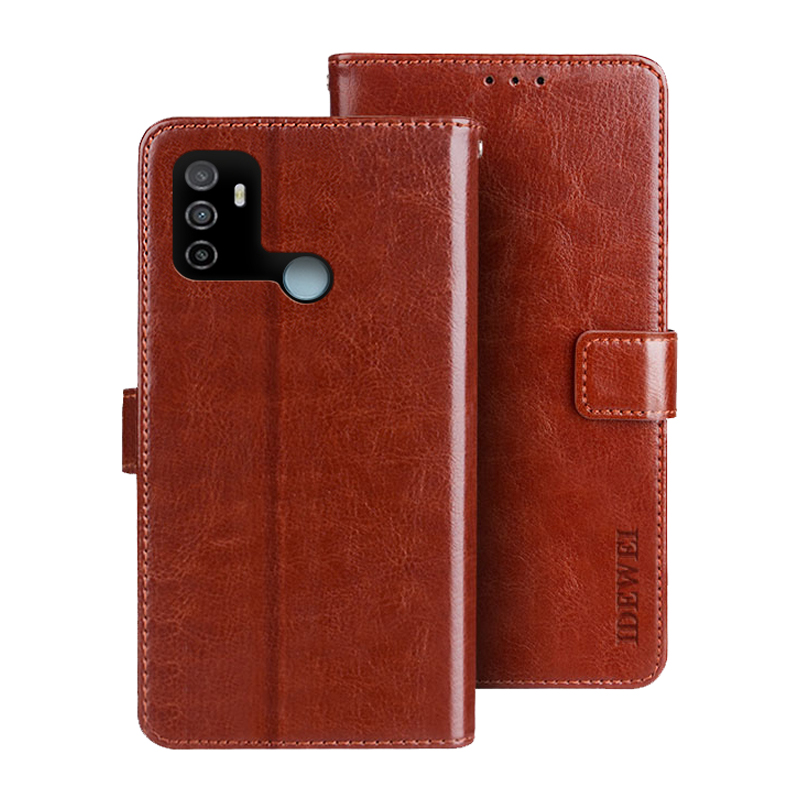
$2.77
IDEWEI Folio Flip Wallet Crazy Horse Textur Leder Mobile Hülle Mit Stand Für Oppo A53s - Braun, Oppo A53s 4G
tvc-mall.com
$43.97
180Pcs Red Copper Extended Long Plasma Cutter Tip Electrodes & Nozzles Kit For PT31 LG40 40A Cutting Torch
aliexpress.com![[wamami] 18mm Dark Blue Eyes For SD DZ BJD Dollfie Glass Eyes Outfit Reborn Doll](http://ae04.alicdn.com/kf/H952d96d05b51485d8bac7950a20ff2f2x.jpg "[wamami] 18mm Dark Blue Eyes For SD DZ BJD Dollfie Glass Eyes Outfit Reborn Doll")

$16.50
Spring Autumn Kid Sweater Coats 1-6Yrs Preppy Style Cable-knit Clothing Boys Outwear Knitted Cardigan for Girl Clothes FY11032
aliexpress.com
$2.09
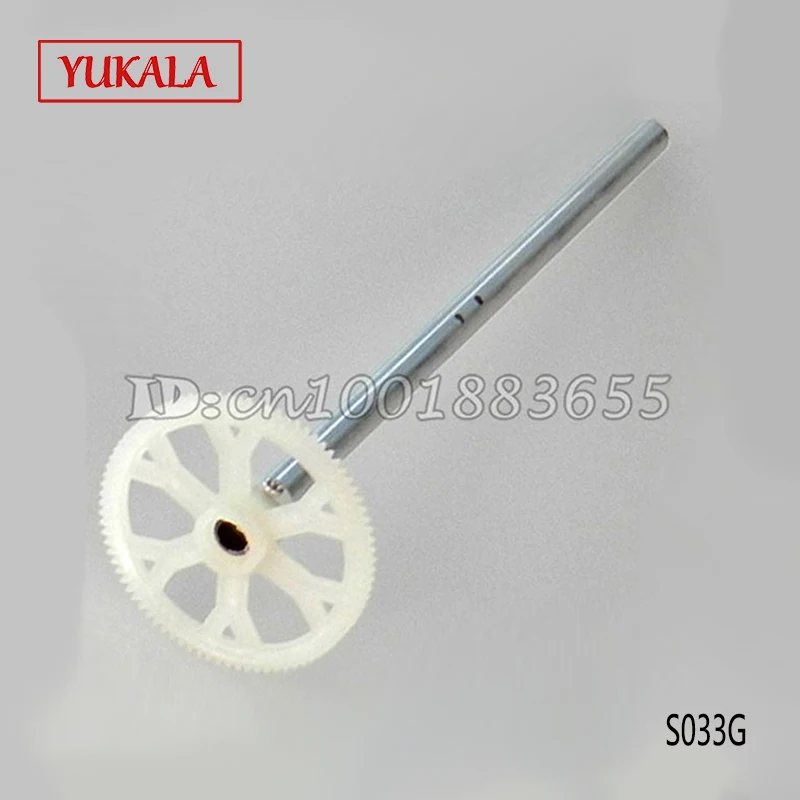
Free shipping Wholesale/YUKALA S033G spare parts Gear B S033G-15 for S033G RC Helicopter from origin factory
aliexpress.com
$32.17
KAPCICE Y23(Shooting Brake) Bluetooth stereo headphones wireless headphones Bluetooth 4.1 headset on-Ear headphones
aliexpress.com
$16.90
100% реальные Свободный Камень Муассанит огранки в форме сердца D Цвет VVS1 прозрачный GAR Муассанит блестящий для ювелирных изделий Материал
aliexpress.com
$0.81
LEIZHAN USB Flash Drive 128GB Pendrive USB 3.0 Drive 64GB OTG Adapter Micro Pen Drive 32GB 16GB 8GB 4GB Thumb Drive Memory Stick
aliexpress.com

$28.40
Mesh Men Sneakers Breathable Casual Lace-up Men Shoes Lightweight Comfortable Walking Men Vulcanize Shoes Tenis Feminino Zapatos
aliexpress.com

