12 Kisses Photo Overlays


PhotoEffects.Store
sku: 6672786
ACCORDING TO OUR RECORDS THIS PRODUCT IS NOT AVAILABLE NOW
$9.00
Shipping from: United States
Description
There is the set of 12 Kisses which helps you to work easier. Shop it first! ENTIRE Store Bundle. Free Updates: --- DETAILS & SPECIFICATIONS of 12 Kisses Photo Overlays set: - 12 PNG files - Width Max 800 px, Min 460 px - Photoshop Action for Easy Applying Finish purchasing and make perfect photos for customers! PLEASE NOTE 1. After complete downloading the archive '085. 12 Kisses Photo Overlays.zip' will be downloaded to the Downloads' folder or the one you selected. 2. Unzip the archive into a folder. Do not be discouraged if the folder images with a black background. There is a Screen Blend Mode that allows you to remove the black background by displaying only objects in Photoshop. 3. Open Photoshop, open an image that you will apply and follow one of the ways below. PLEASE LET ME KNOW IF YOU HAVE ANY QUESTIONS. ontact me at [email protected] INSTRUCTIONS There are 3 ways to apply photo overlays: 1st - using Overlay Actions include 2nd - using Quickstart PSD course include only in PRO version 3rd - standard, Drag'n'Drop method 1ST WAY: OVERLAYS ACTION This method is more progressive because it allows you to quickly apply overlays from any folder, even from other sellers. In the settings of the action, you can set the hotkey F3 for example so that in one click you call this action 1. Double-click on the 'Overlay Actions.atn' file to load it into Photoshop. Once installed, please access the Actions panel within Photoshop by clicking on 'Window Actions'. There are 2 actions: JPEG and PNG Overlays. The difference between Overlay Action JPEG and Overlay Action PNG is that JPEG applies the Screen Blend Mode. 2. Find Overlays Action' and press Play action what you need. 3. Photoshop dialogue box opens and prompts you to select the file. Click Continue' and find the folder you unzipped and select the image you like. This image will immediately get into your Photoshop file where the photo is open. 4. Scale, rotate or reflect the overlay if you want 5. Press Cmd Ctrl Enter and the action will create a layer mask and two adjustment layers. If necessary, apply a black brush on the layer mask to hide the image where necessary, and in the correction layers, adjust the color or Levels so that the overlay looks appropriate for the photo. 6. Save the image and show your customers, they will be pleasantly surprised by the result 2ND WAY: Quickstart PSD COURSE This method allows you to work in a photoshop file, where you can select the overlay you like, making the layer visible. This is convenient because you can see it in the thumbnails of the layers of the image, but it's inconvenient that in some versions of Photoshop the file may not open properly. This function is optional and is supplied as is. 3RD WAY: DRAG'N'DROP 3.1 Drag from the folder any image and place it in a Photoshop file. For images with a black background, apply the Screen Blend Mode. To change the blend mode, double-click on the layer, the layer styles window will open. Change the blending mode and proceed to the next step. For overlays with a transparent background, you do not need to do anything. 3.2 Scale, transform, lower the opacity or add a Layer Mask and Paint on Your Overlay if necessary. SOMETHING MORE - Compatible with any software which works with layers Photoshop CS5 , Photoshop Elements, Paint Shop Pro, etc. - Not for Further Distribution - This listing is a digital download. No physical product will be shipped
Technical Details
| _GoogleCategoryID: | 5032 |
Price history chart & currency exchange rate
Customers also viewed


$1.21
12 шт./компл. MUQZI велосипед наклейка клапана горный шоссейный велосипед трубка клапан Защитная Прокладка
aliexpress.ru
$1.66
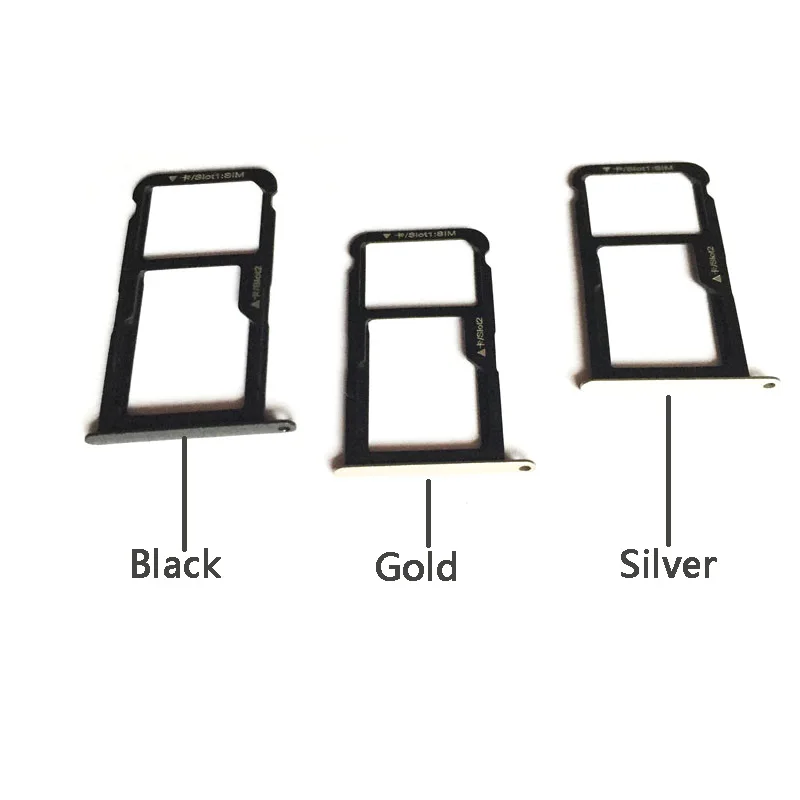
OEM для Huawei P9 P9 lite новый держатель лотка для SIM-карты с лотком для карт Micro SD Держатель слота Запасная часть
aliexpress.ru

$14.74
Zs1130 support rocker arm assy pinao komplit pelatuk mesin diesel zs1125 TL1125 TL1130 28pk 30pk 33PK amplas
shopee.co.id


$6.64
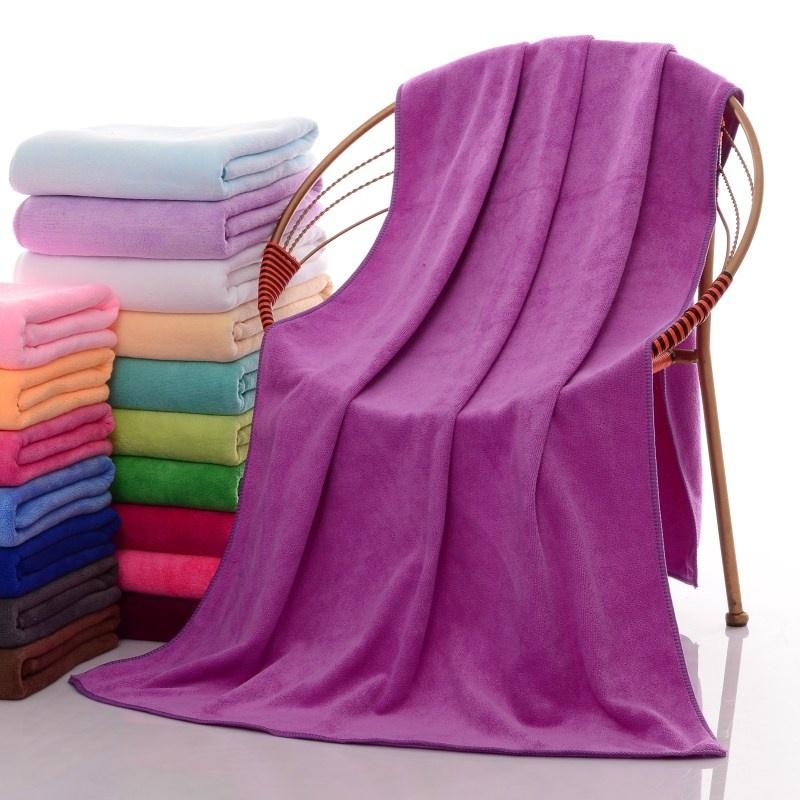
10 Color New Fashion Soft Microfibre Beach Bath Towel Swim Washcloth Lightweight Large Towel Sports Travel Accessories, Dark pink
dhgate.com

$215.72
32 Inch LCD Wall Mount Advertise Player Ultra-thin Bezel LCD Advertising Display Retail Menu Board Manufacturer Supplier
aliexpress.com
$16.50
Air intake filter 5RU-15407-02 for Yamaha YP400 Majesty (04-13) YP250 Grand Majesty (04-07) CP250 Maxam (05-12) motorcycles
aliexpress.com
$15.87
Rootin Tootin - Cowboy Advice, Poss Possum Opossum Throw Blanket Portable Lightweight Blanket for Travel Camping
aliexpress.com
$6.32
Килимок для дряпання котів, захисник меблів і стін, самоклейний килим для дряпання котів, обрізний килимок для лазіння, когтеточка для котів для покриття котячої вежі, котячих дерев S синій
joom.com


$13.11
Logan Sargeant 2 Williams Tank Tops Vest Sleeveless Logan Sargeant Logan Sargeant Ls2 Logan Sargeant Logan Sargeant Logan
aliexpress.com

$3.88
Portable ABS+alloy Hole Puncher Multiple Sizes Labor-saving Design Circular Embosser Circular Hole Shape Punch DIY
aliexpress.com