112 Butterfly Photo Overlays 2.0


Описание
Shop it first! ENTIRE Store Bundle. Free Updates Forever: --- THE BEST offer 45 Rain overlays is here - --- Just imagine your photos in the atmosphere of these Butterflies... There is a set of 112 Butterflies photo effects which help you to work easier. It's so difficult to capture the right moment, but you want to make a great result quickly and easily. Don't waste your time, enjoy results using photoshop overlays! Look, it's well done, I like it DETAILS & SPECIFICATIONS of 112 Butterflies Photo Overlays set: - 112 PNG files - Width 700 px each PNG butterfly - High resolution ready to print 300dpi - Photoshop overlay actions to easy apply - 5 Premade PNG overlays EASY TO USE - Text Instructions inside Buy it now and make perfect photos to customers! PLEASE NOTE 1. After complete downloading the archive '033-ADV. 112 Butterflies Photo Overlays by Bundle.Cat.zip' will be downloaded to the Downloads' folder or the one you selected. 2. Unzip the archive into a folder. Do not be discouraged if the folder images with a black background. There is a Screen Blend Mode that allows you to remove the black background by displaying only objects in the Photoshop. 3. Open the Photoshop, open an image that you will apply and follow one of the ways below. PLEASE LET ME KNOW IF YOU HAVE ANY QUESTIONS. ontact me at [email protected] INSTRUCTIONS There are 3 the ways to apply photo overlays: 1st - using Overlay Actions include 2nd - using Quickstart PSD course include only in PRO version 3rd - standard, Drag'n'Drop method 1ST WAY: OVERLAYS ACTION This method is more progressive because it allows you to quickly apply overlays from any folder, even from other sellers. In the settings of the action, you can set the hotkey F3 for example so that in one click you call this action 1. Double-click on the 'Overlay Actions.atn' file to load it into Photoshop. Once installed, please access the Actions panel within Photoshop by clicking on 'Window Actions'. There are 2 actions: JPEG and PNG Overlays. The difference between Overlay Action JPEG and Overlay Action PNG is that JPEG applies the Screen Blend Mode. 2. Find Overlays Action' and press Play action what you need. 3. The Photoshop dialog box opens and prompts you to select the file. Click Continue' and find the folder you unzipped and select the image you like. This image will immediately get into your Photoshop file where the photo is open. 4. Scale, rotate or reflect the overlay if you want 5. Press Cmd Ctrl Enter and the action will create a layer mask and two adjustment layers. If necessary, apply a black brush on the layer mask to hide the image where necessary, and in the correction layers, adjust the color or Levels so that the overlay looks appropriate for the photo. 6. Save the image and show your customers, they will be pleasantly surprised by the result 2ND WAY: Quickstart PSD COURSE This method allows you to work in a photoshop file, where you can select the overlay you like, making the layer visible. This is convenient because you can see it in the thumbnails of the layers of the image, but it's inconvenient that in some versions of Photoshop the file may not open properly. This function is optional and is supplied as is. 3RD WAY: DRAG'N'DROP 3.1 Drag from the folder any image and place it in a Photoshop file. For images with a black background, apply the Screen Blend Mode. To change the blend mode, double-click on the layer, the layer styles window will open. Change the blending mode and proceed to the next step. For overlays with a transparent background, you do not need to do anything. 3.2 Scale, transform, lower the opacity or add a Layer Mask and Paint on Your Overlay if necessary. SOMETHING MORE - Compatible with any software which works with layers Photoshop CS5 , Photoshop Elements, Paint Shop Pro, etc. - Not for Further Distribution - This listing is a digital download. No physical product will be shipped - Copyright Notice: All copyrights and trademarks of the trademarked ideas and photos being used belong to their respective owners and are not being sold, they are provided to you for free. This item is not a licensed product and I do not claim ownership over the trademarked ideas used.
Характеристики
| _GoogleCategoryID: | 5032 |
График изменения цены & курс обмена валют
Пользователи также просматривали

$12.81
Motorcycle Accessories FOR HONDA PCX125 PCX 125 2010-2025 2023 2022 2024 2022 Handlebar Brake Clutch Levers Hand Guard Protector
aliexpress.ru

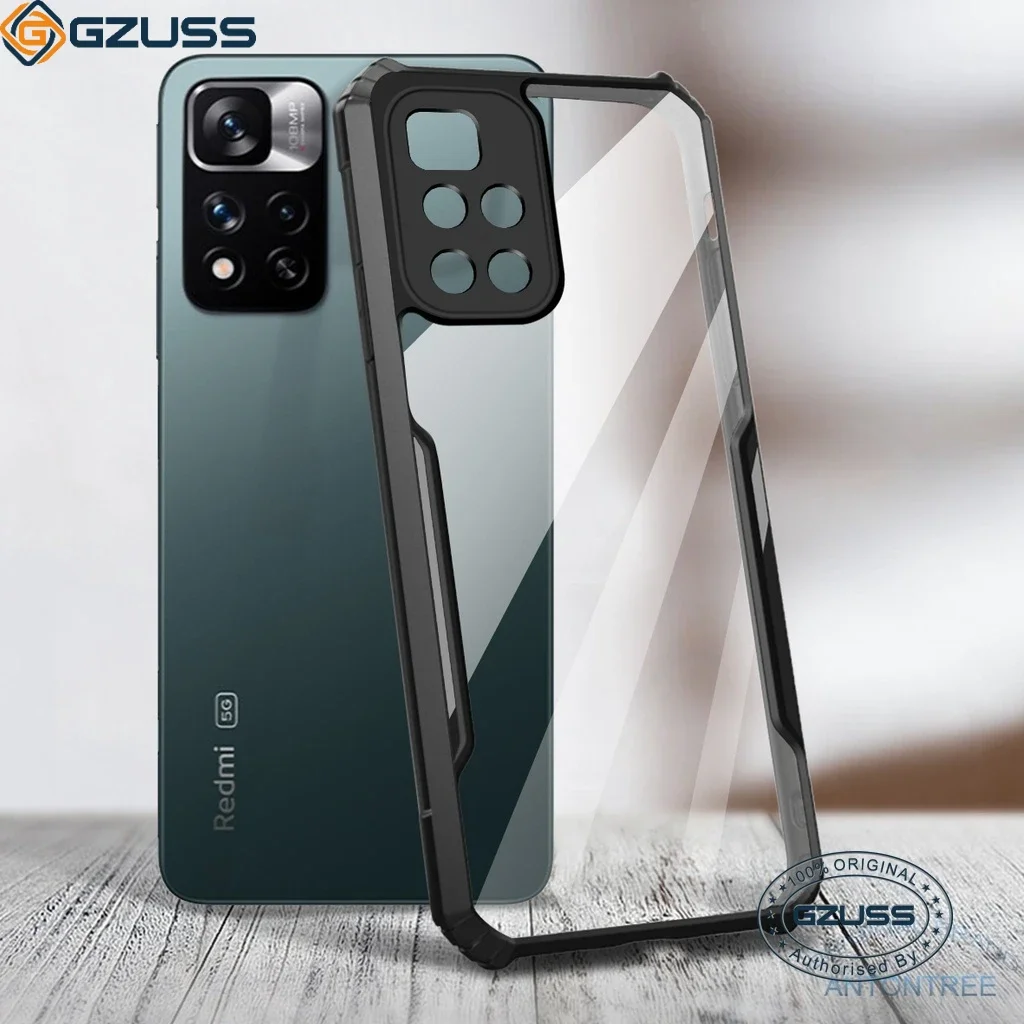
$2.51
GZUSS for Xiaomi Redmi Note 11 Pro Note 11s Shockproof Casing Full Clear Reinforced Plastic + Soft Edges Phone Case Cover
aliexpress.com
$6.26
Money Saving Binder 100 Days Budget Binder Money Organizer Savings Challenge Book Savings Challenges Book To Save 5 050 In 100
aliexpress.com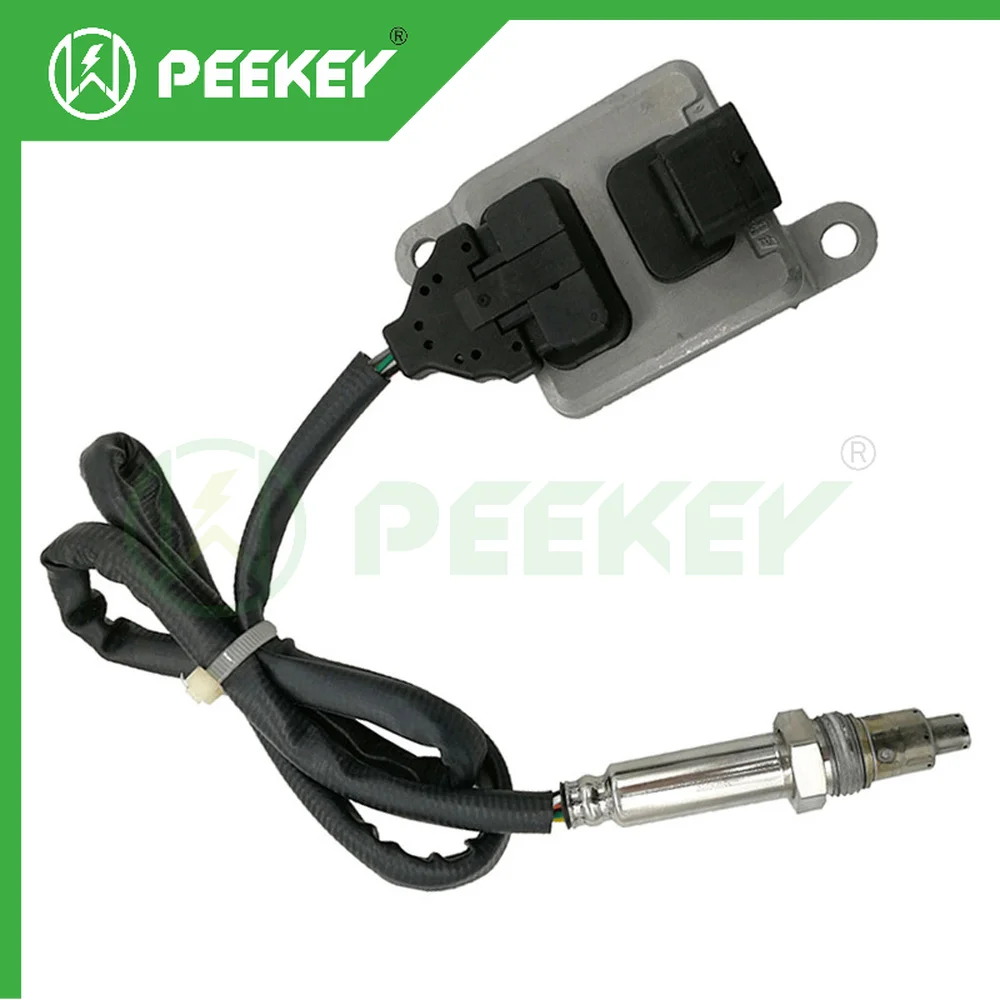
$98.83
A0009059803 5WK96683E NOX Sensor For Mercedes-Benz W156 W164 W166 GLE 350d W176 W205 W212 W213 W218 W238 W246 W253 C117 X253
aliexpress.com


$7.81
Роликовая щетка для Tineco A10/A11 Hero A10/A11 Master PURE ONE серии S11/S12, беспроводные пылесосы, запасные части
aliexpress.ru
$2.40
Настенное крепление для полок для тяжелых условий эксплуатации угловых кронштейнов Книжная Полка Поддержка хранения
aliexpress.ru

$59.00
KeyCouture Top Quality Rayon Bandage One Shoulder Creative Jaquard Celebrity Night Club Party Dress Sexy Slim Front V Mini Dress
aliexpress.com


$17.49
Finished Radio Electronic Kit 51 Single-Chip FM Digital Sound Machine, Level Indicator Can Be Controlled Separately
aliexpress.com

$20.50
URVNS 150W Wall Charger PD 3.0 GaN Type C 100W 65W Fast Charging Adapter For iPad Pro, iPhone 11 Pro Max XR XS X, Galaxy S9 S8
aliexpress.com
$2.21
Nano Cleaning Brush Car Felt Washing Tool for Car Leather Seat Auto Care Detailing Interior Cleaning Brush
aliexpress.com
