For PlayStation 4 PS4 Controller Back Button Attachment for DualShock 4, 501 Original
sku: ca16aef1-91a6-4c5b-a90b-927ed3191fbe
ACCORDING TO OUR RECORDS THIS PRODUCT IS NOT AVAILABLE NOW
$40.14
Shipping from: China
Description
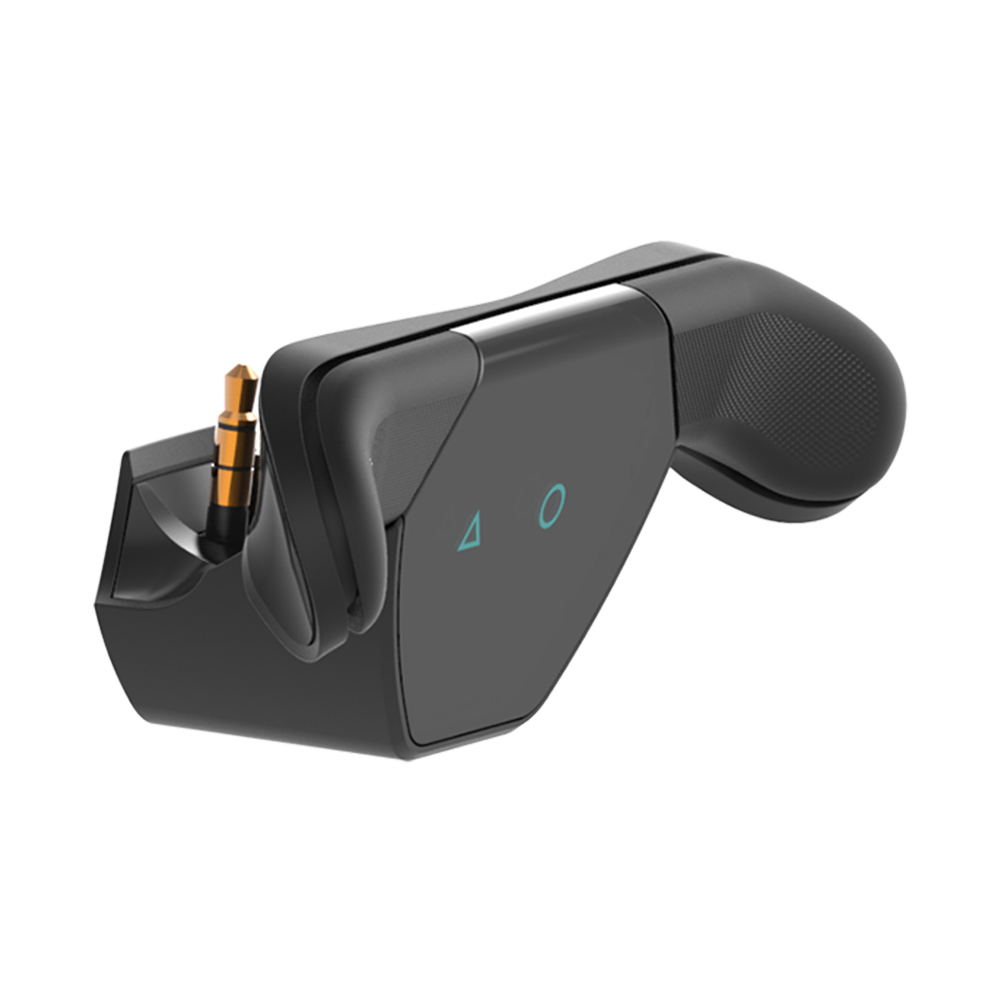
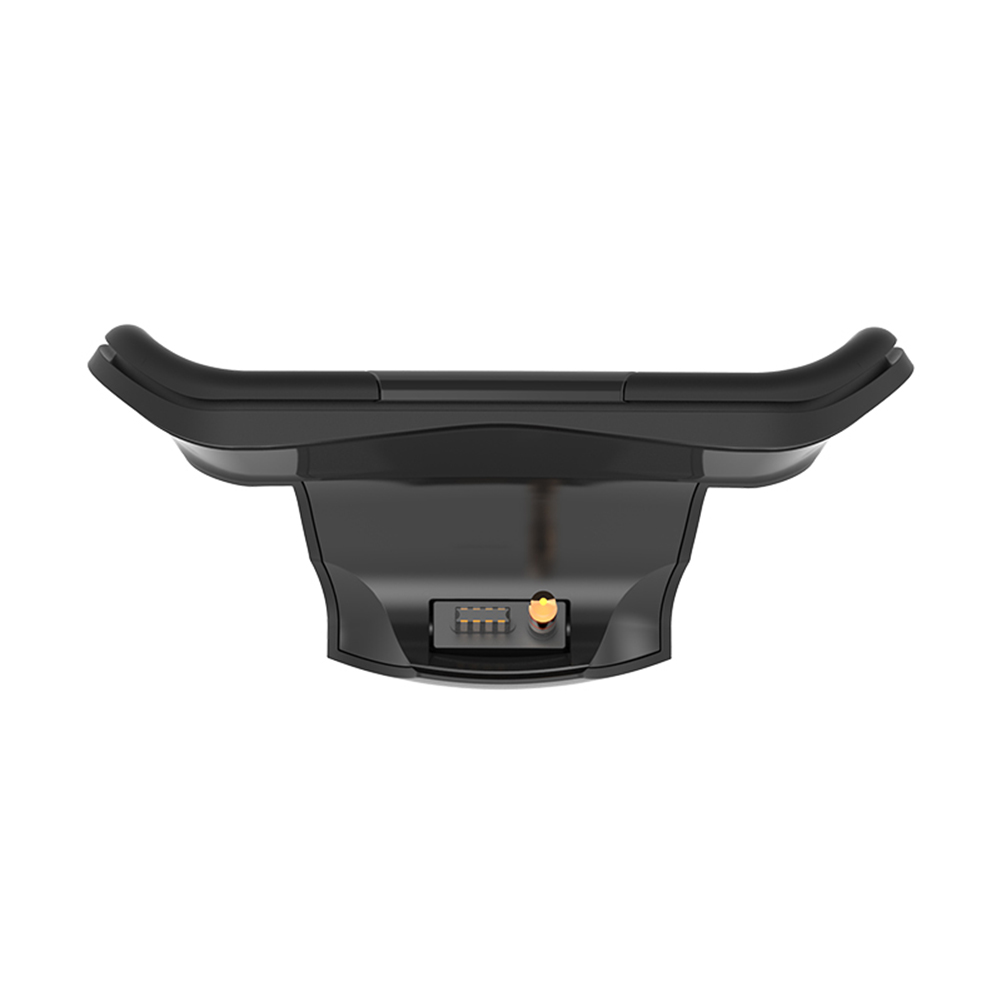
For PlayStation 4 PS4 Controller Back Button Attachment for DualShock 4 Wireless Controller AccessoriesSpecification:Product color: blackProduct material: ABSProduct weight: 69gProduct size: 132*85*60mmInstruction:1. Turn on the console and the original controller2. Plug the back extension button into the controller through the 3.5mm headphone jack3. Turn on the back button attatchment, the default is P1 mode, press and hold the screen for 2-3 seconds, the screen turns on and default to P1, press and hold the screen for 2-3 seconds, you can assign the M1 and M2 buttons, press the M1 or M2 button to choose what you want The desired function button, and then press the screen again to confirm the assignment setting.4. Press and hold the product button twice on the screen to switch the P1/P2/p3 allocation mode.5. The earphone can be inserted into the earphone hole of the product.Note:There may be slight size deviations due to manual measurement, different measuring methods and tools.The picture may not reflect the actual color of the item because of different photographing light, angle and display monitor.
Price history chart & currency exchange rate