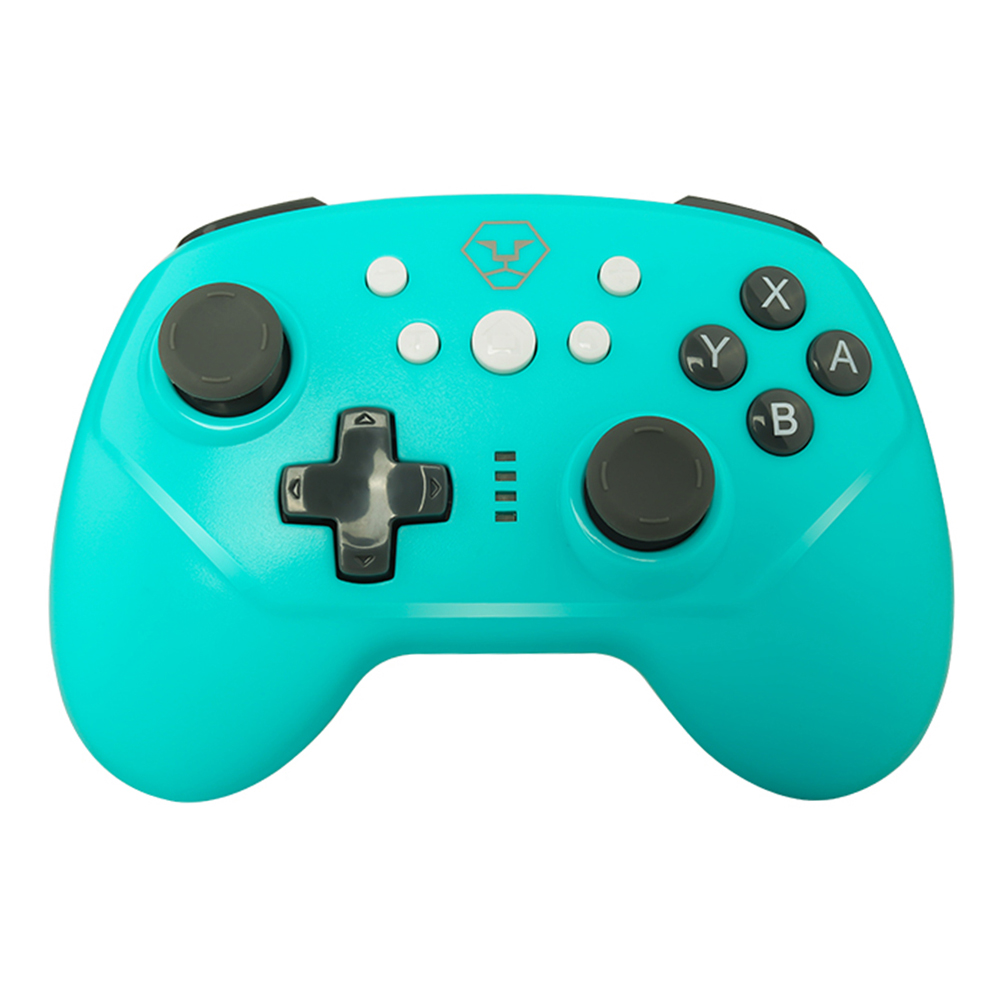
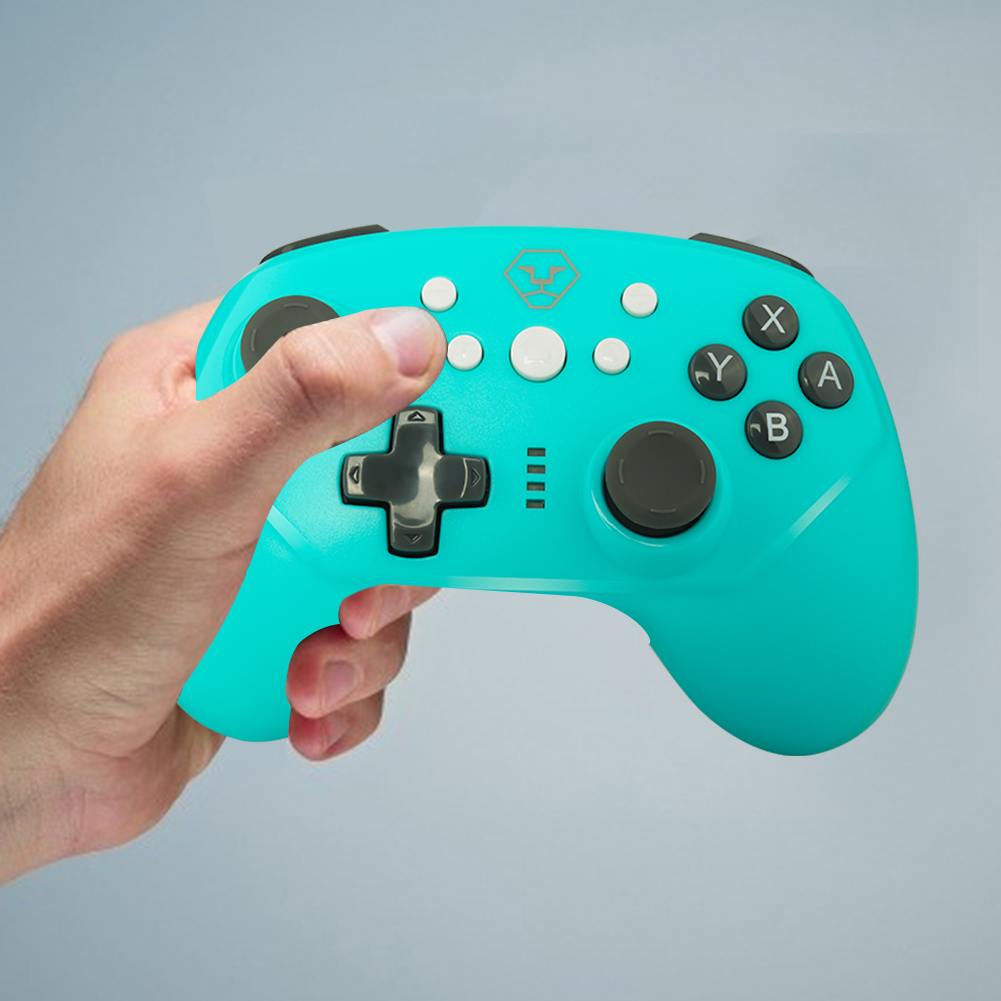
For Nintendo Switch Pro Wireless Controller Support Wakeup Turbo Function, Blue, 501 Original
sku: 09f6f89c-e9c2-42f4-b8d0-078ce1bb1d5c
ACCORDING TO OUR RECORDS THIS PRODUCT IS NOT AVAILABLE NOW
$35.37
Shipping from: China
Description
for Nintendo Switch Pro Game Controller Bluetooth Wireless Wired Gamepad with Wakeup Turbo Dual Motor Vibration for Nintendo Switch Switch Lite PS3 PCFeature:1. Suitable for playing games developed for N-Switch devices.2. Support wireless connection to the console and wired connection to the base of the N-Switch.3. The function buttons of the controller correspond to the button functions of the original controller and support the TURBO function.4. Support six-axis gyroscope function and dual motor vibration.5. Reset button.6. Wakeup function.How to pair:1. Via BluetoothA. Connect to the console for the first time: turn on the console, click \\\"Controllers-Change Grip / Order\\\" on the main menu surface of the console to enter the console pairing mode surface, and ignore the \\\"press L + on the controller\\\" on the display screen. R\\\"; Press the \\\"HOME\\\" button on the controller for 5 seconds to turn it on. The controller enters the pairing mode, and the LED light flashes in a rapid cycle. When single or multiple LEDs are always on, it indicates that the controller has been successfully paired with the console, and then press the A key to return to operation.B. Reconnect the controller to the console: When the controller is in sleep state, press and hold the HOME button for 3 seconds to wake up the controller, the controller will automatically connect to the console, and then press the A button to operate.2. Connect Android device via BluetoothWhen the controller is off, long press the \\\"Y + HOME\\\" button for 2 seconds to turn it on, and the connected indicator LED1 flashes. At the same time, open Bluetooth for Android devices, and click \\\"Bluetooth\\\" to search for Bluetooth devices. In the \\\"Available Devices\\\" list, find and click \\\"Game Pad\\\" to pair. After the pairing is successful, LED1 is always on, and the controller enters the Android mode.3. Connect for PS3 via USB-C cableWhen the controller is off, first press and hold the L1 button, then use the Type-C cable to connect for PS3, and then press the HOME button to pair. After successful pairing, the corresponding channel LED is always on, and the controller has been successfully set.4. Connect PC device via USB-C cableAfter turning off the power of the controller, connect the controller of the PC device with a USB cable. After a successful connection, the LED2 indicator light is on (PC X-Input mode is the default on the PC side; long press the \\\"Screen capture Button\\\" in X-Input mode, you can switch to PC D-Input mode for 2s, and the LED3 indicator light is on) .Specification:Color: Black, Blue (Optional)Working voltage: DC 3.7V-4.2VCharging voltage/current: DC 5V / 1AWorking current: 20-30mABluetooth transmission distance: ≤8m/ 26.25ftContinuous use time: 8-10HSleep current:
Technical Details
| Color: | Blue |
Price history chart & currency exchange rate